Barrhead Saddlery
Under Construction
(But feel free to explore what's here so far!)
The Saddlery @ Barrhead
DISCLAIMER:
This is a Sims 3 roleplay site for a fictional location intended for entertainment only. All opinions expressed are of the writer only and are not reflective of any views on the part of EA or Maxis. Texts, services, images, or characters that may resemble any real person or place (past or present) are unintentional and purely coincidental, and all prices are fictional.Artificial intelligence (AI) had no part in the creation of any concepts, texts, images, or CC on this site.
TO NOTE:No CC that is portrayed anywhere on this site is being distributed here unless it was made by me. Further, with the recent issues surrounding theft and T.O.U. dismissal amongst the TS3 and TS4 communities, I will only be linking others' items if they are publicly available somewhere off of Discord/out of closed communities.Links to free or paid items on sites with payment options are not to be considered endorsements of, or advertisements for, the creator. Download custom content at your own risk. I have not been asked or paid to promote these items, and I am not advising you to buy any content or subscribe to anyone.First and foremost, this is a writing project for me to actually have something to do with my ridiculous 600+ item shop build. Don't use it to be shitty.
The Saddlery @ Barrhead
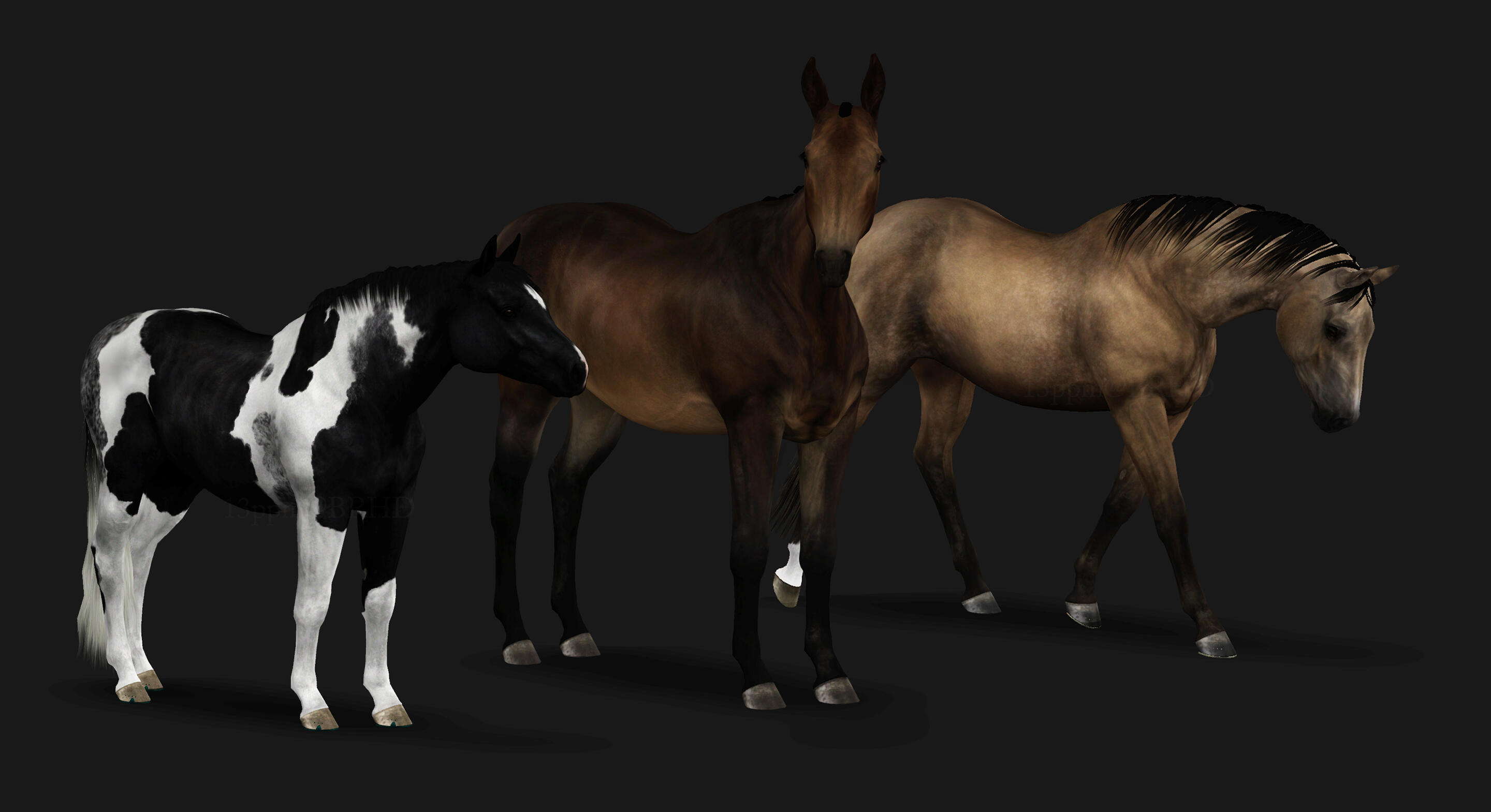
For The Horse
Vivamus egestas amet etiam vulputate. Massa cras dolor porta leo lorem eu. Scelerisque purus nullam faucibus vitae phasellus mus nunc nulla lectus augue.
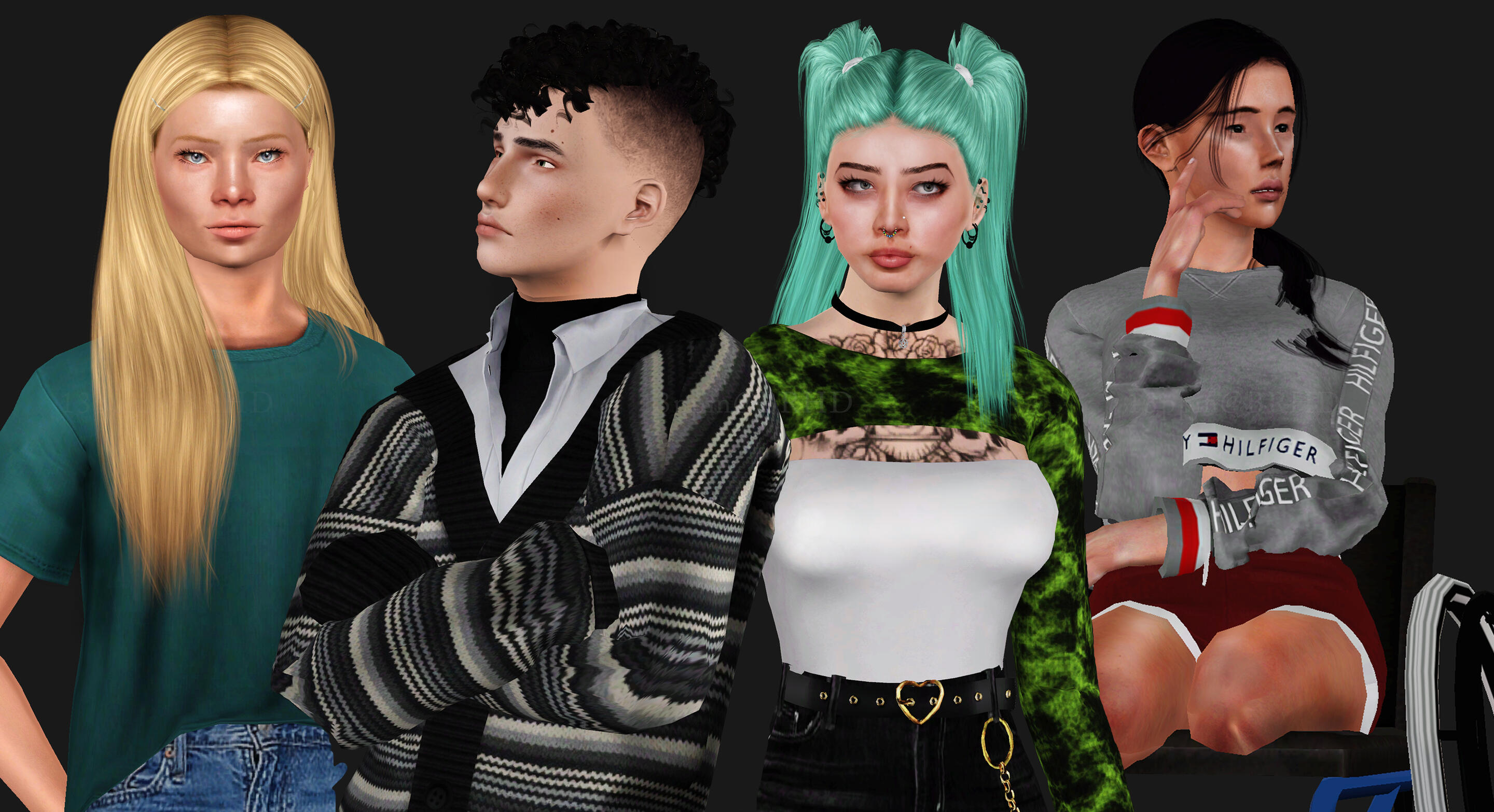
For The Rider
x
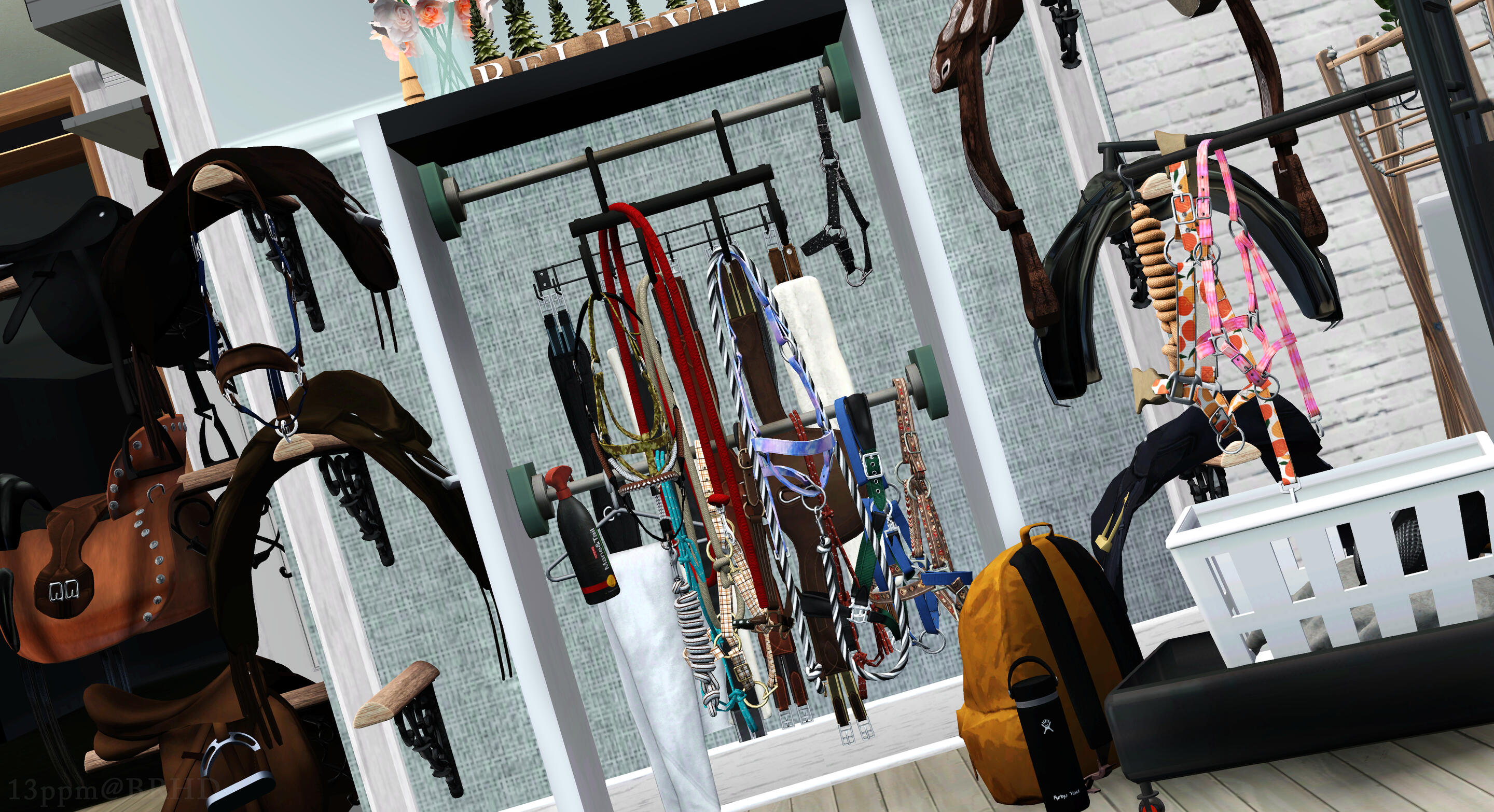
Barn & Home
Fusce vulputate congue in ut. Amet sit in lobortis lacinia cep arcu. Dui posuere cursus consectetur imperdiet diam velit. Rutrum porta amet egestas pharetra odio mattis.
New Arrivals
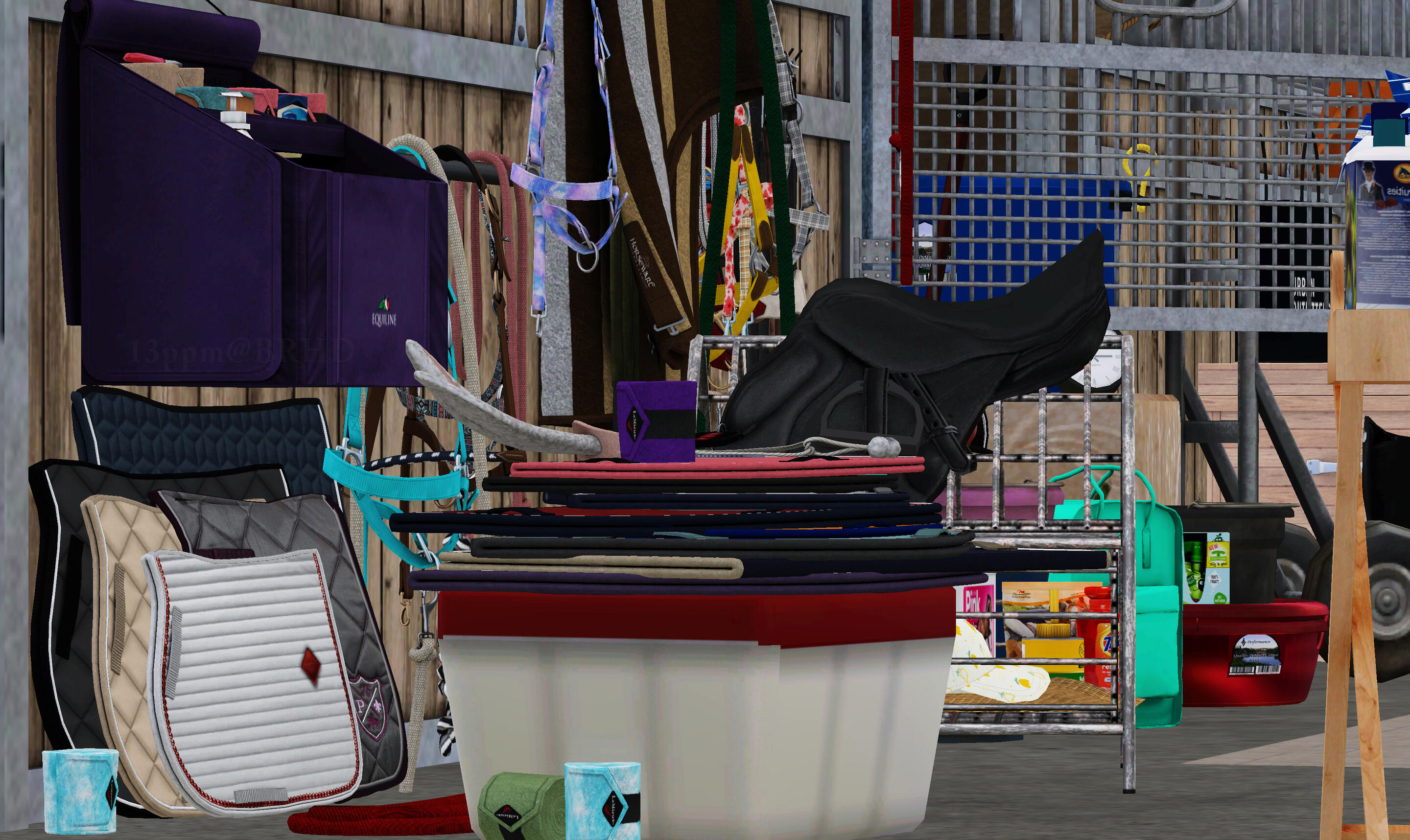
placeholder text - CC finds and new items from around the community spotlighted here
Custom Content
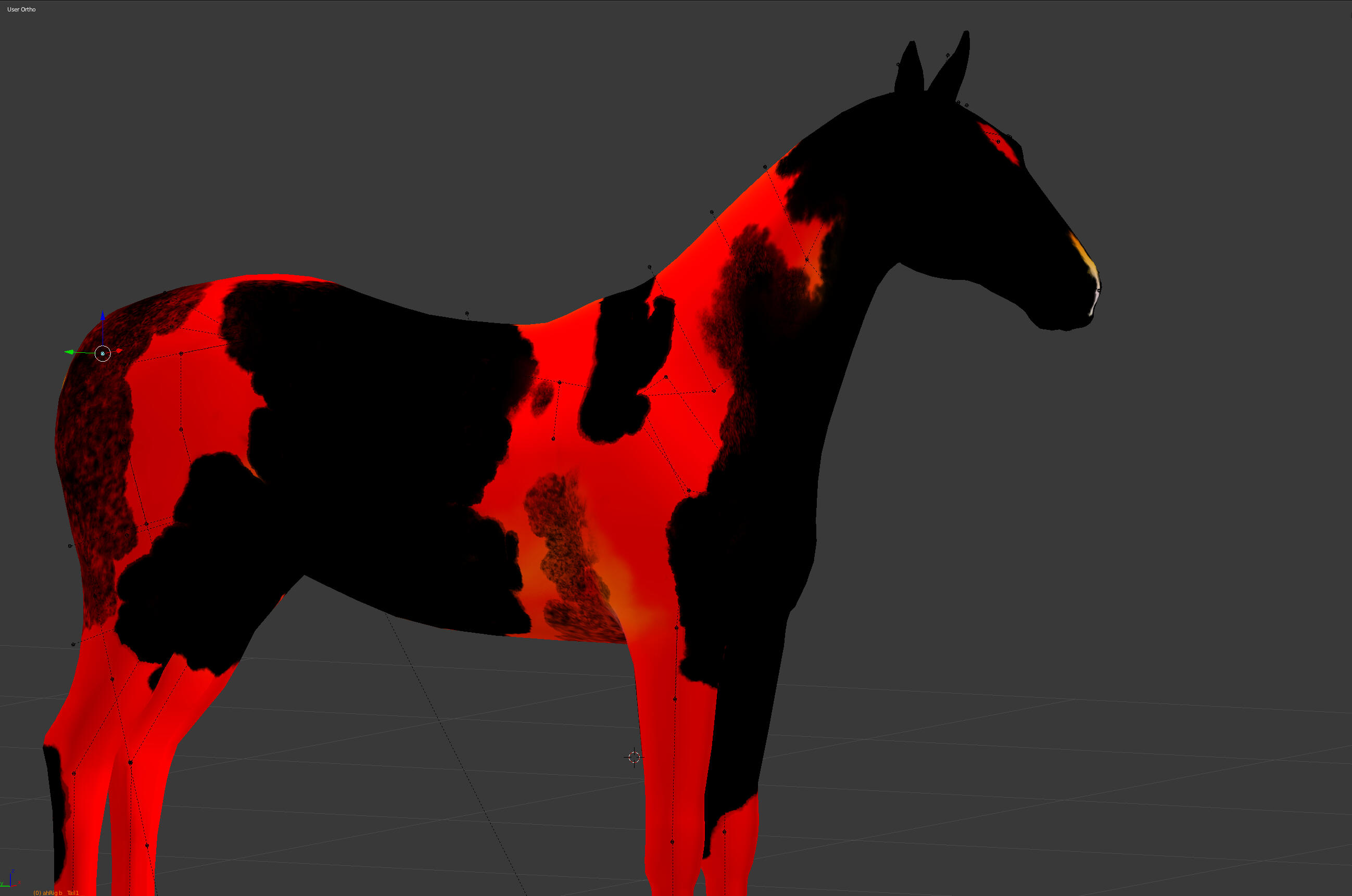
Our CC - Imports - Builds - WorldsNote: Imports are custom-made only. Click here if you're trying to find our pre-shown lease or sale horses instead!
Holidays At Barrhead
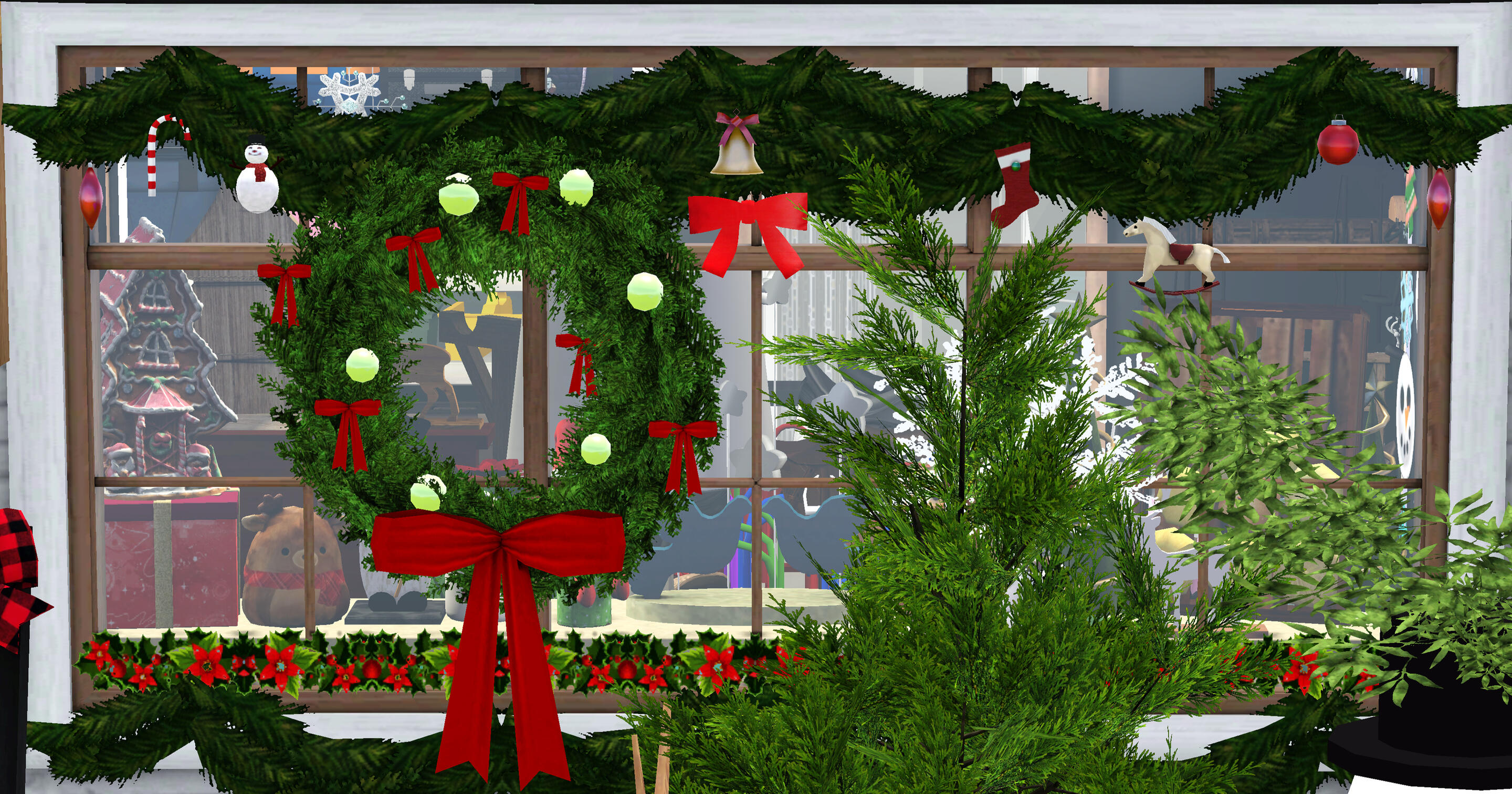
What's your horse asking for this year? We think we may have the answer! Here at B.S.H., we make it our personal mission to host a happy, inclusive, and affordable holiday season for everyone: wheel-spin discounts starting(!) at 20%, COVID-cautious checkout & occupancy practices when the seasonal crunch starts crunching, holiday print and message selections beyond just "Christmas or snow", and so much more!And while you’re browsing our selection of toys, treats, and accessories for your best friend, be sure to check out the 2025 Barrhead School tree ornaments, festive apparel, equestrian-themed wrapping paper, baked goods, and hot cocoa we’ve got in stock for you, too!Gift wrapping available November 17–December 30.
Represent BSH!
Coming soon: deco and CASpart apparel retextures ft. B.S.H., Access Eq, and IN-STRIDE branding & designs.
The Saddlery @ Barrhead
Rider Apparel

Whether you need camp t-shirts for your little one, a jacket for your first school show, or you’ve outgrown your old boots, Barrhead’s got you covered! We carry a generous selection of logo tees and hoodies, show-ready coats from popular budget to luxury brands, breeches, paddock and tall boots, body protectors, socks, and riding gloves for all ages and body types, including some with adaptive cuts, closures, and access flaps.If you need help finding the right size or fit, our pros at the checkout will be happy to assist you.
Safety First!

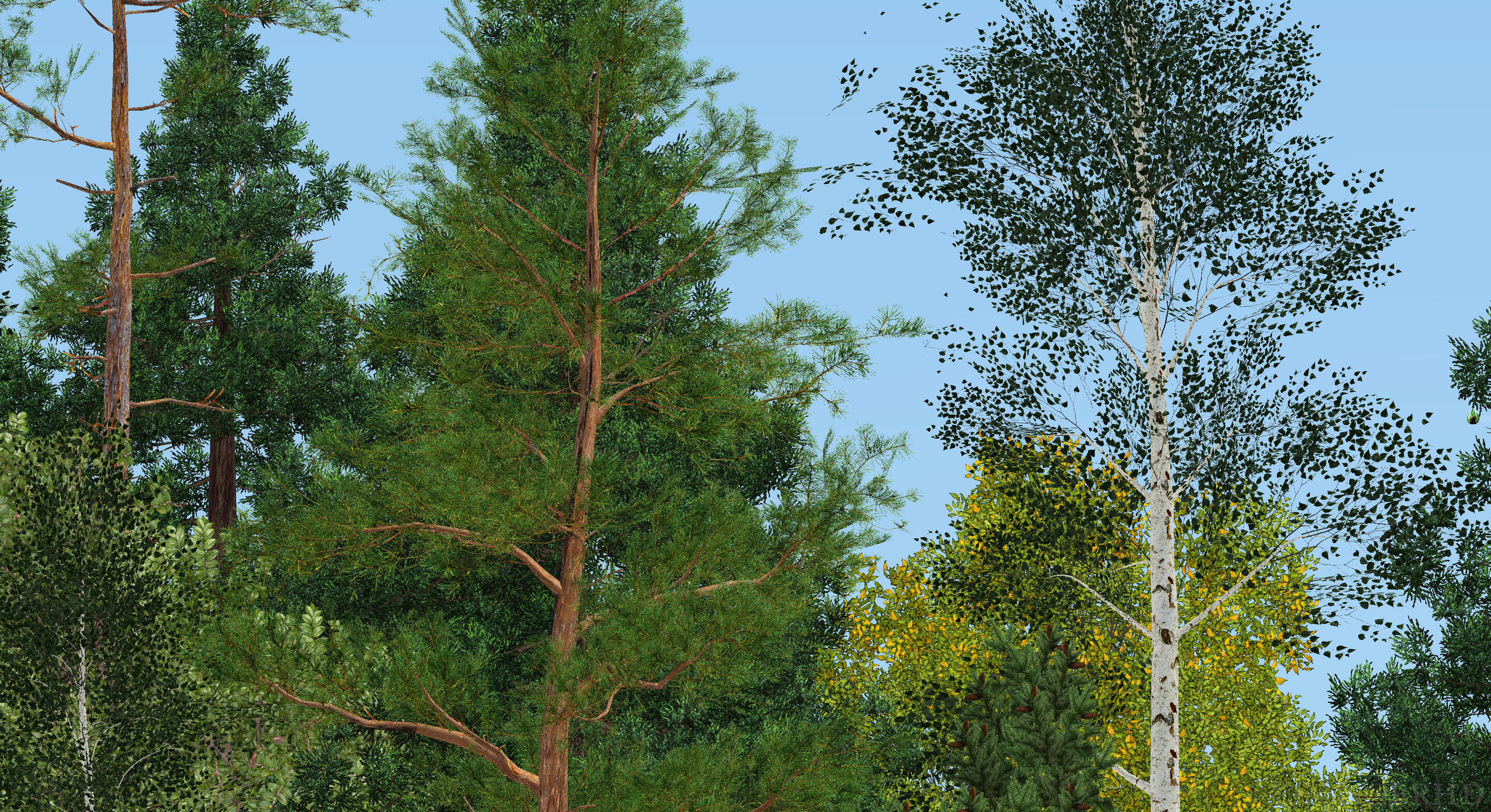
All campers, students, and boarders are required to ride in an ASTM/SEI certified helmet, regardless of age or experience level. Our tack shop offers a wide variety of suitable options in stylish colors and toddler through adult sizes.Your helmet will be fitted by one of our knowledgeable staff members, and comes with a lifetime Safe Rider replacement guarantee. If you purchase your helmet through us and damage it in a fall on a Barrhead School property or during a BSH-hosted event, we will take it back and replace it, free of charge. Payment plans and rentals are available for those who aren’t able to purchase right away. Barrier-free access to safe equipment is what we’re all about!
Show On The Go!

Ready to take this show (pony) on the road? We proudly carry Kingsland duffels and I.H.T.L.’s full ShowKit line, from garment bags for you to tack covers and carts for your horse, to keep you both looking sharp whenever your travels take you. Are you leasing one of our horses for an away show? Worry not: we’ve partnered with our suppliers to bring their feed right to you at a stellar discount! Packing just became a whole lot easier.
In A Pinch?

We can’t supply you with everything that you and your horse might need, but when the manure hits the fan, we’re here for you. Barrhead’s tack shop carries a basic range of first aid supplies for you and your horse, as well as sunscreen, KN95 masks in three sizes, nitrile gloves, laundry detergent, and menstrual products. Discreet reusable bags are available tax-free at checkout.
The Saddlery @ Barrhead
Tack & Accessories

While you’re decking yourself out in your new gear, don’t forget about your horse! Anyone can have fun accessorizing, whether you’re a brand new student looking to stand out in your lessons or an owner shopping for your best four-legged friend. We offer an impressive range of colored and patterned pads, wraps, and ear bonnets for any occasion, along with winter blankets, shipping gear, plaiting kits, fleece add-ons, and more.When you’re ready to step into the show ring, we've got your back with top of the line branded show sets from muted classics to all the boldest seasonal releases, from the shiny and newest to the tried-and-truest, so you'll always make the best impression on show day.But it doesn’t stop there: Barrhead carries a large selection of saddles, halters, bridles, girths, breastplates, bits, boots, training systems, and specialty items as well. Be sure to pick up some leather soap on your way out to keep your new getup looking sparkly!
#GRWM

Every rider needs to keep their horse looking and feeling its best! We have everything you’ll need for your grooming kit, whether you’re still learning how to pick a perfect hoof or you’re looking to get your competitor show ring-ready. Along with mane and coat sprays, shampoo, hoof oils, clippers, braiding tools, and three different styles of grooming box, we carry all basic brushes and tools at budget to luxury price points in a huge selection of colors and patterns, to help you express yourself while you care for your best friend. Who says cleaning up can’t be fun?
Care & Keeping

Making the jump from lesson ponies to your first lease or purchase? The world of feeding and caring for a new horse can be intimidating to step into, especially if you're going it alone.Thankfully, at Barrhead, you've always got someone on your side! While we are not a full-line feed or supply shop, we carry just enough to get (or keep!) you on your feet with a small selection of our most trusted feed, supplement, and bedding brands. Our knowledgeable staff are always available to offer some guidance and answer whatever questions you may have.Whether you're just starting out or suddenly ran out, we're here and happy to lend a helping hand.
The Saddlery @ Barrhead
Basics To Bougie

Text text text text text text text text text text text text text text text text text text text text text text text text text text text text text text text text text text text text text text text text text text text text text text text text text text text text text text text text text text text text text text text text text text text text text text text text text text text text text text text text text text text text text text text text text text text text text text text text text text text text text text text text text text text text text text text!
The Saddlery @ Barrhead
New CC Spotlight

Coming soon: New public items from around the community & general winter/holiday-themed CC finds. Probably some columns and a gallery or something idk.
The Saddlery @ Barrhead
holiday title

t e x tgallery feature test w/old old tack shop WIP shots


The Saddlery @ Barrhead
Imports
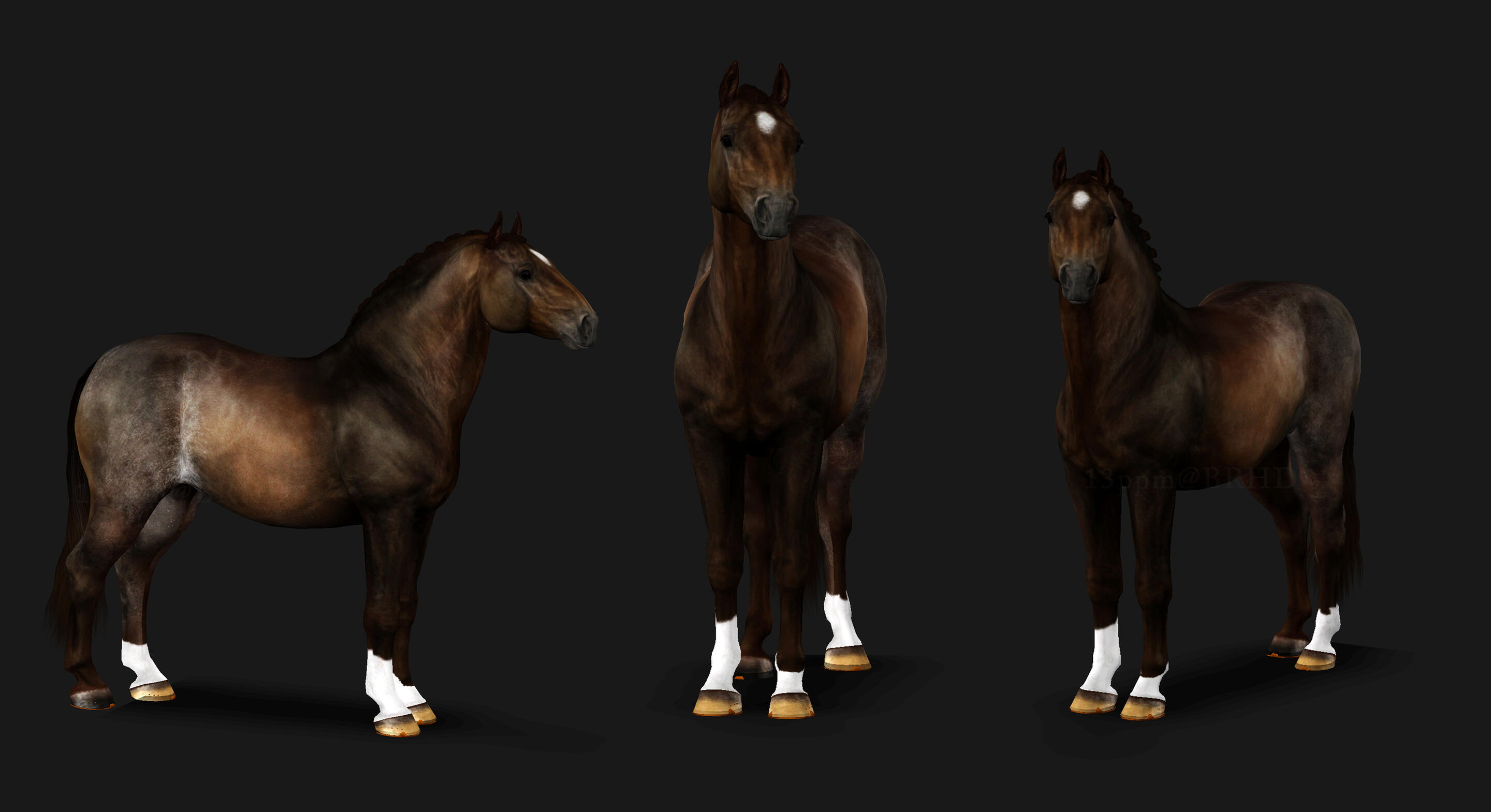
CLOSED THROUGH 2025
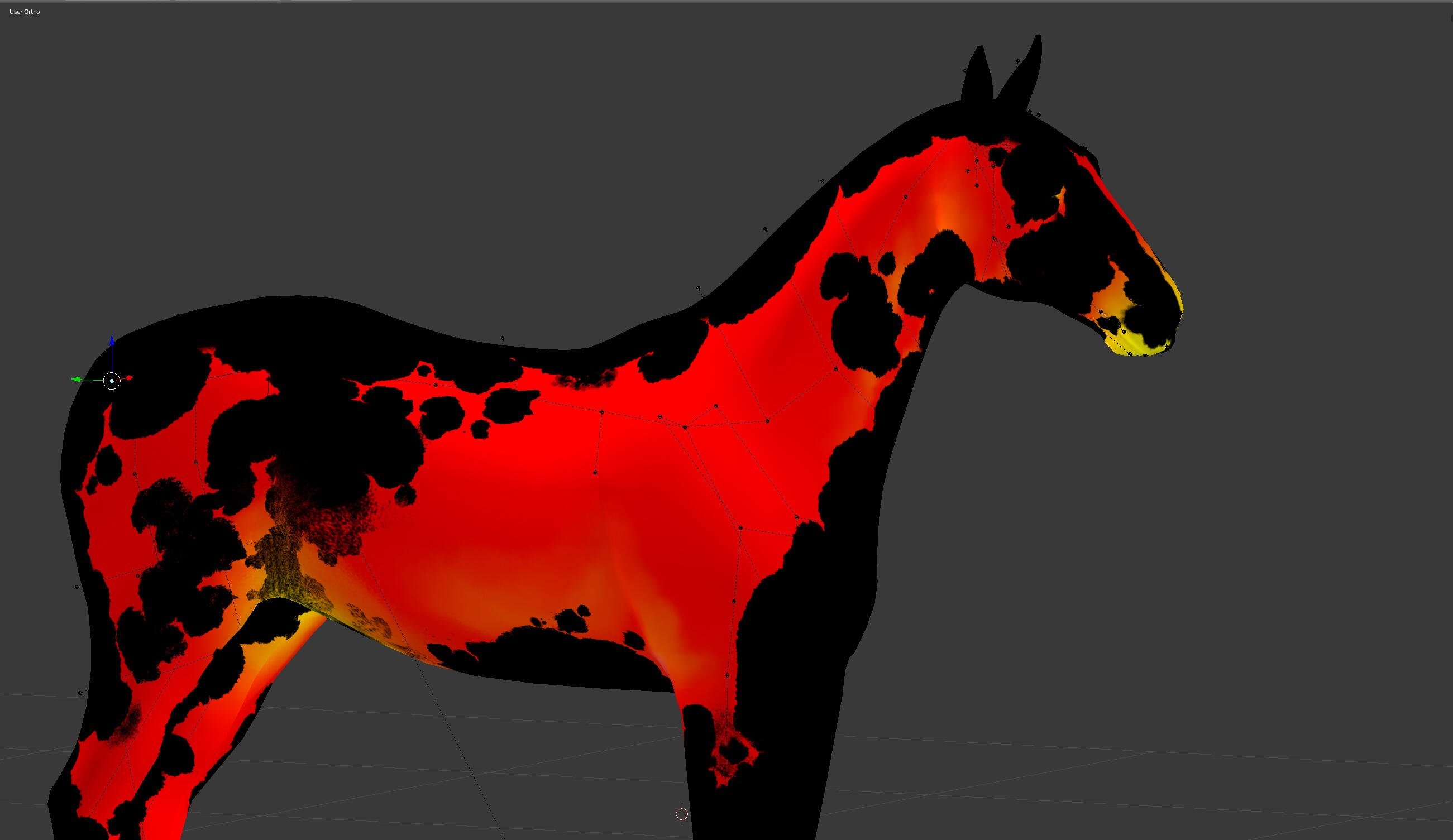
Custom Builds
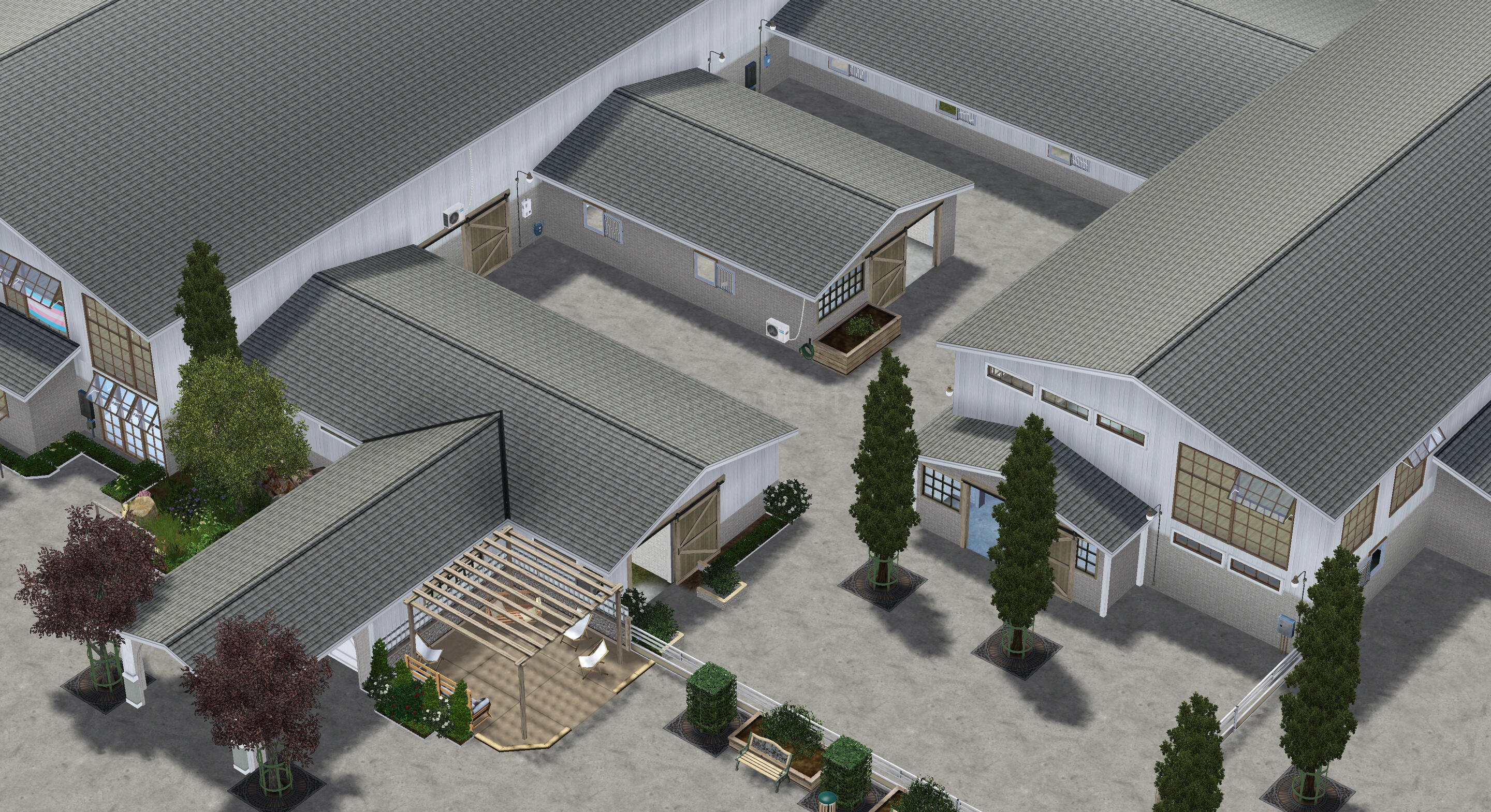
CLOSED THROUGH 2025
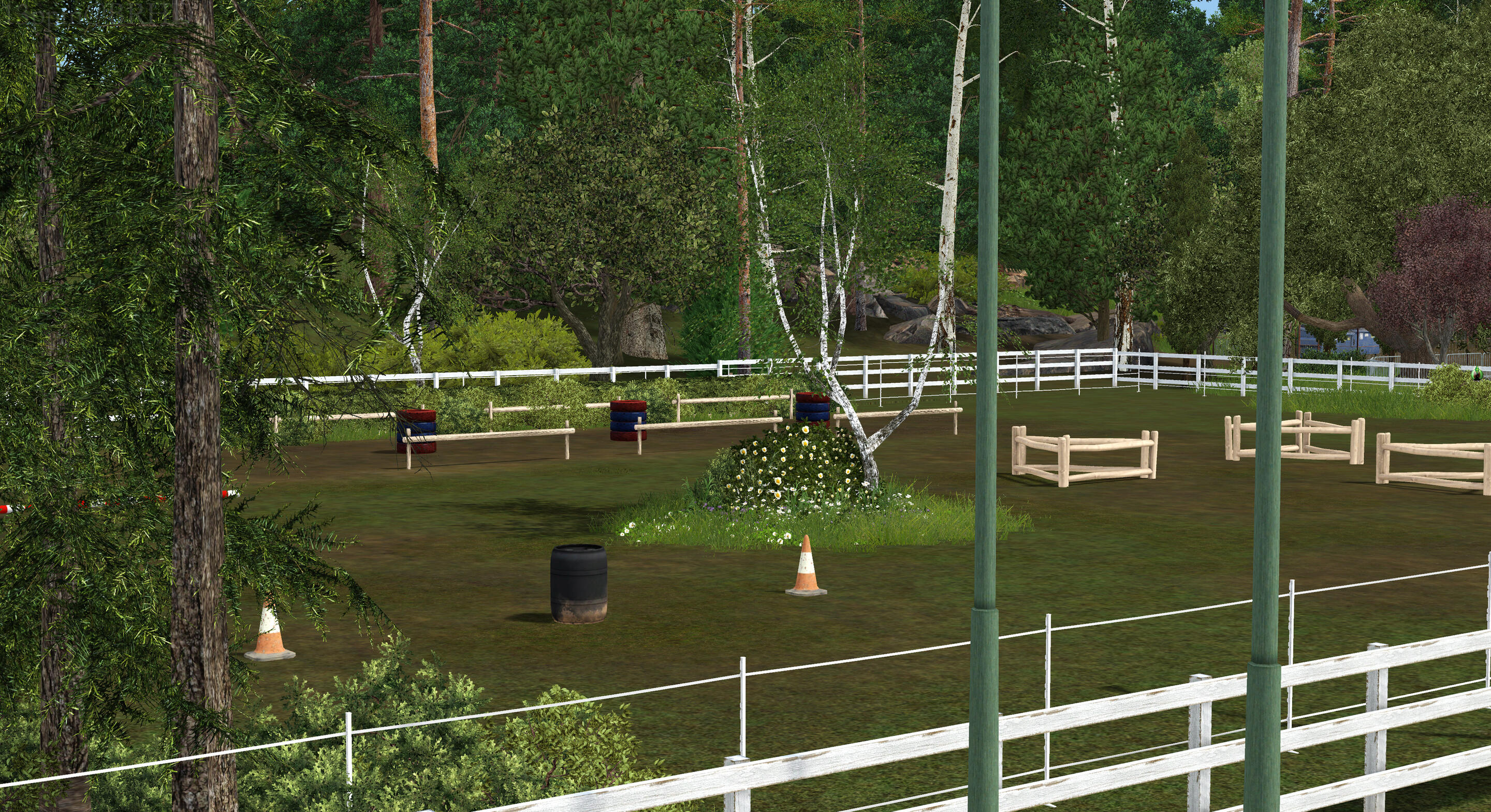
Custom Worlds
CLOSED THROUGH 2025


Nameplate Service
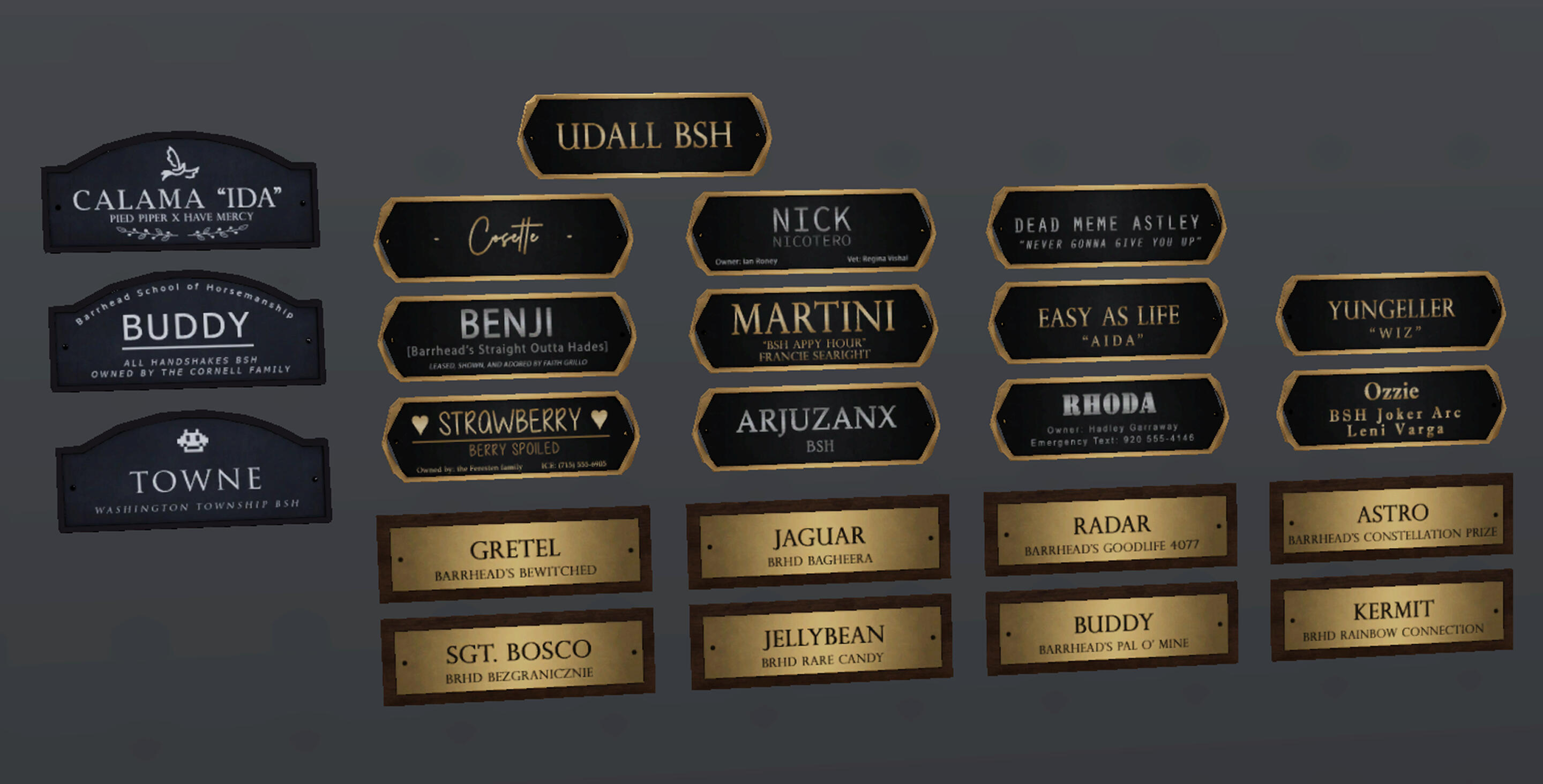
Retextures only. Let us take the pain out of kitting your stalls out with custom nameplates!You can send us your design idea, leave everything up to us, or anything in between. Looking for something unifying and classy throughout the barn? Or maybe you want each horse's plate to be something unique! Choose from one of our samples or let your imagination run wild. The path to realizing your perfect barn aisle starts here!(Inquire on [Discord].)
Markings By B.S.H.
coming soon
Customizable Sheets
TERMS OF USE
These are my personal sheets that I use for my facilities, so please feel free to modify them for yourself if your needs are different to mine - but do not share the sheets through Google (always link to this page)!You may not edit them to redistribute as your own creation, but you may offer services to help others with filling out the sheets so long as you aren't charging them for the labor of creating the template itself as a part of your terms.
**Now UPDATED to accommodate the EQ-RP site.
Please re-download!**
Stable Master Sheet
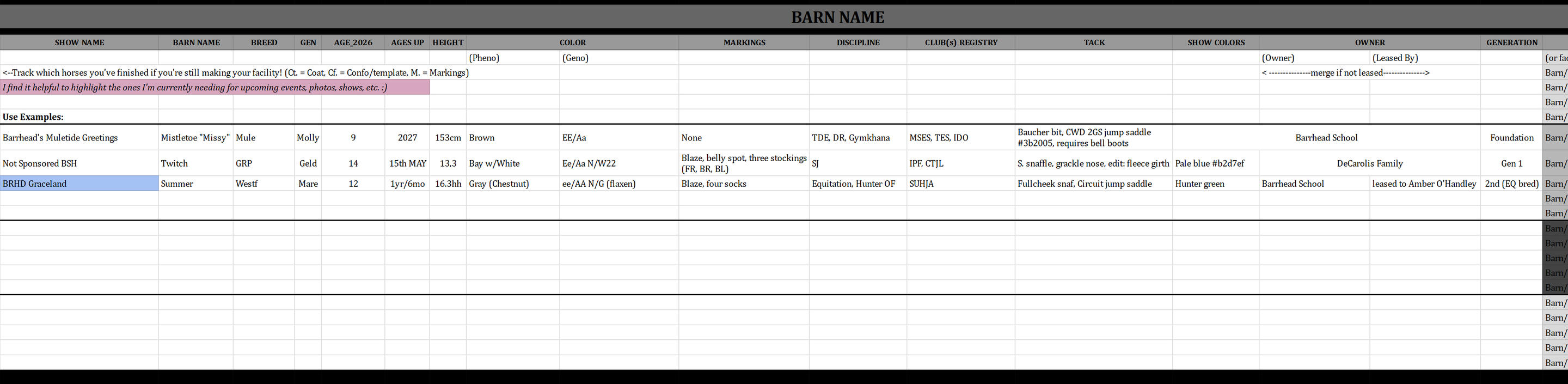
The Stable Spreadsheet is your one-stop shop for everything you could ever need to know about your horses, staff, riders, facility, and program. Every sheet is its own page to give you full control over just how simple or in-depth you want to go: keep what you want and pitch the rest!
In the STABLE SHEET, you will find:
•The Main Stable Sheet
For general info on all of your horses, including checkboxes for those who are still working on their barns or transferring horses to the EQ-RP site to track their progress.
•The Barns Sheet
For those with multiple structures on their property, or more than one facility. Includes a prefix key if you use more than one or have multiple programs!
•The Game Groups Sheet
For those who split their horses and sims across families or save files instead of loading them in one by one for screenshots. A reference for which family or save to load in, to save you having to go back and forth into live mode to check if you've picked the right one.
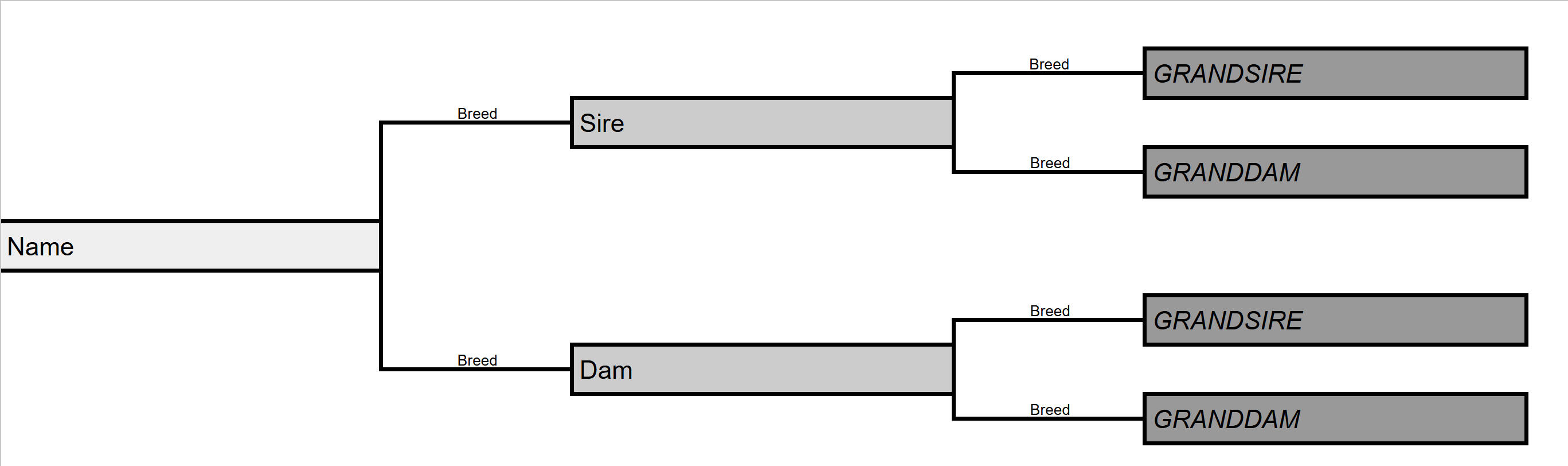
•The Trees Sheet
For breeders who want a quick pedigree reference for their horses, including breeds to keep outcrosses clear.
•The Staff, Riders, and Boarders Sheet
To help you to organize your sims and develop characters with as much or as little detail as you'd like!
•The Riders & Instructors Sheet
For those with lesson barns who would like to keep their rosters consistent in lesson pics.
•The For Lease Sheet
To organize the horses you've offered for lease on the server, keep track of lease terms, and store lessees' links in one place.
•The EQ Boarders Sheet
For those who allow other members to board horses at their facility, either for RP or for payment.
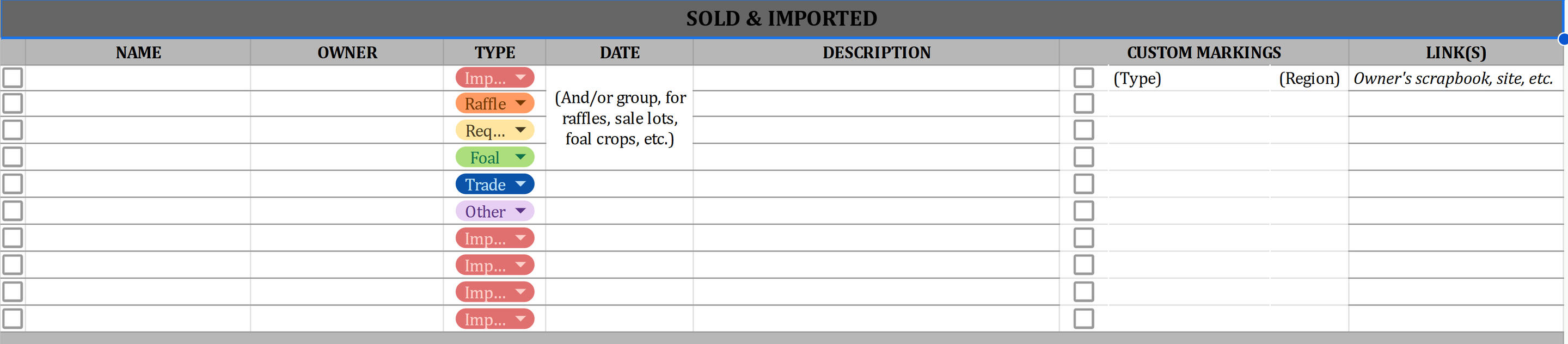
•The Imported Sheet
To keep a record of the horses that leave your facility and their activity in the community.
•The To-Do List
Broken up by categories including in-game, on EQ, off EQ/other communities, club responsibilities, CC related, computer maintenance, goal lists, and more, to help both those who are still building their stables, those managing clubs, and anyone else who needs a little extra space to manage their activities!
To use: Open the sheet as a viewer, select 'Make a copy' from the file menu, and locate it in your drive!To download the Stable Spreadsheet, click here!
Club registry quick ref

With the Club Registry Quick Ref, you'll never lose track of which of your horses are registered with which clubs again! Easily refer to the list for all your riders & registration numbers on show day, keep track of who's unregistered vs. pending vs. accepted, and enjoy having all your horses' points together at a glance for listing sales or studs!
In the CLUB REGISTRY QUICK REF, you will find:
•One page per club, organized by Discipline>Breed>Misc., up to date through 12/30/2025, and including the upcoming IN-STRIDE with separate horse and rider sheets.
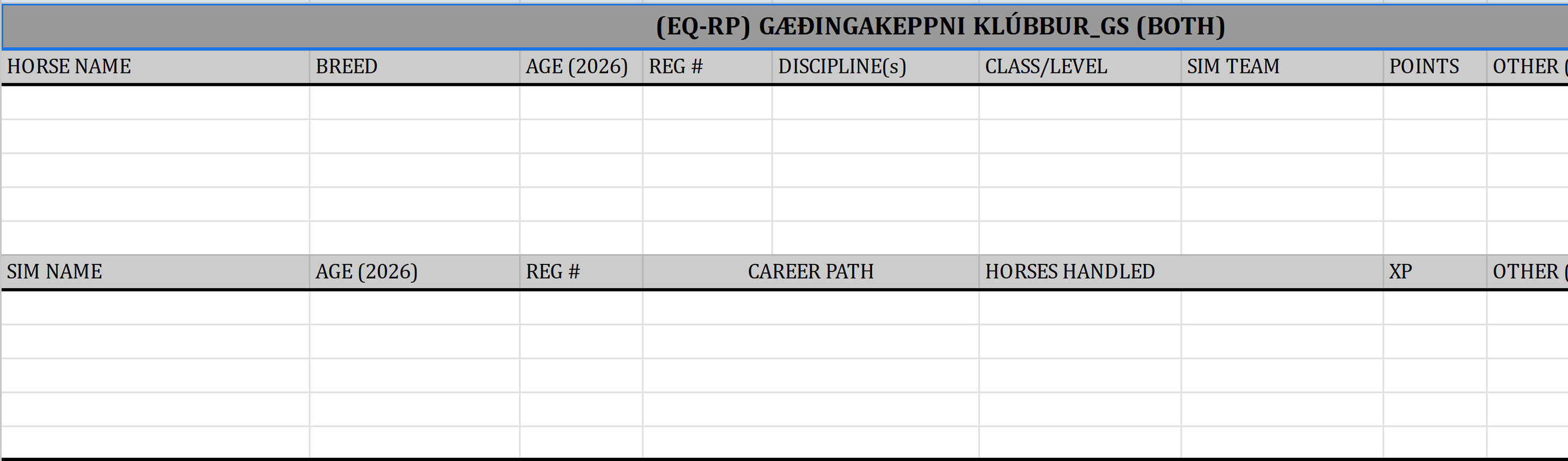
•Additional pages for EQ-RP site-listed clubs, with organized horse and sim sections for clubs that register both.
•An EQ-RP 'global site' sheet to help you track which of your horses have been registered and which still need to be.Use the server club sheets to store your un-transferred horses' level & point info before clubs start deleting their threads here, and the new versions to note down your new reg numbers and full sim teams (and classes, while they're still invisible.)Updates will continue as long as clubs keep being added to the site, but they'll all follow, this format to make it easier on everyone to update their own sheets by duplicating what's already done.The purpose of these sheets is to be a quick reference guide, NOT full show records, which can be found below.
To use: Open the sheet as a viewer, select 'Make a copy' from the file menu, and locate it in your drive!To download the Registry Quick Ref, click here!
show history organizer
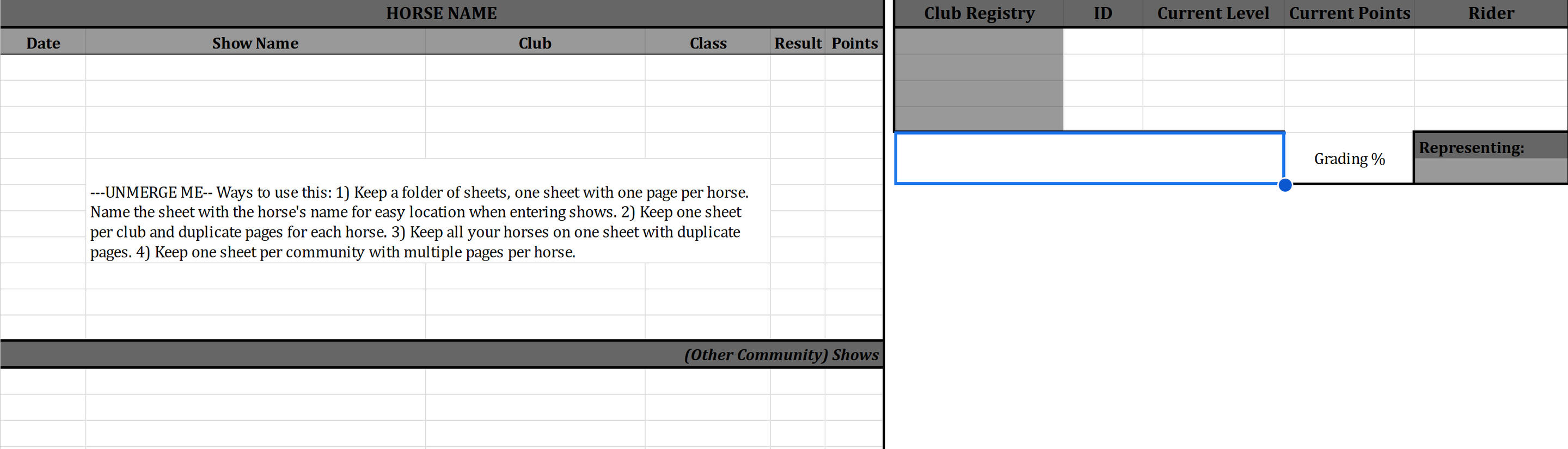
Registrars behind on updating? Tired of scanning every club spreadsheet for your points and still being unsure if they're even right? Wish there was a way on EQ to keep comprehensive track of your horse's career like there is in other communities?
The Show History Organizer is here to help!
In the SHOW RECORDS, you will find:
•One table intended for use with one horse, with space included for registration numbers, total points/earnings, rider/stable info, and an optional table break for those who also show in other communities. Duplicate the page or sheet for as many horses/clubs/communities as you need.
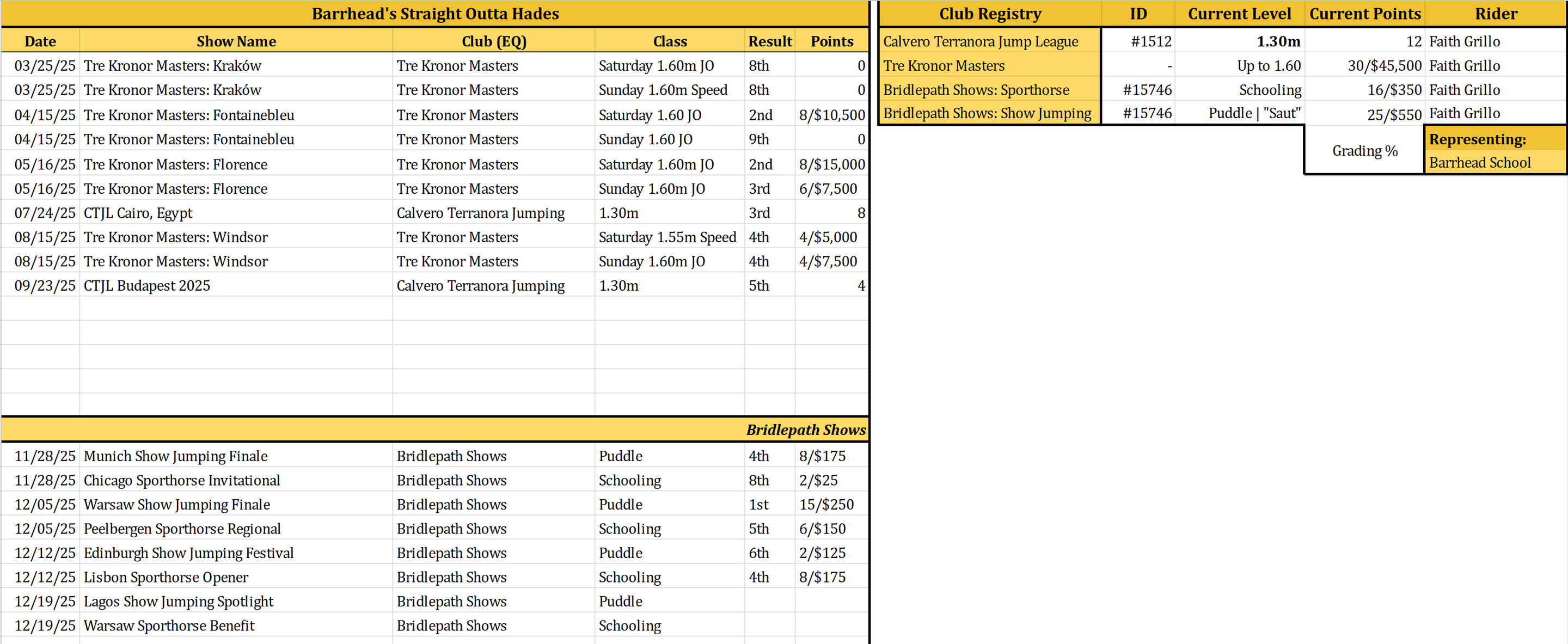
To use: Open the sheet as a viewer, select 'Make a copy' from the file menu, and locate it in your drive!To download the Show History Organizer, click here!
Tutorials by Barrhead
Text text text text text text text text text.
Organize like a pro while speeding up your game, reducing lag, cleaning out unwanted junk.
Text text text text text text text text text text text text text text text text text text text text text text text text text text text.
Let's Get Organized!
This guide heavily relies on the use of my CC Organizational Folder Framework, which can be found here.You can follow along with your own system, but this would be a good foundation to base it off of.
Introduction
The 2026 spring cleaning season is upon us, and what better time could there be to organize your CC? This is my tried-and-true method for keeping my game smooth, light, and (relatively) fast without the use of patches or core mods, which have a history of royally fucking up my other Overrides.
My steps to keeping my game as playable and lag-low as possible:1. I keep as little stuff in my game at a time as I can possibly squeak by with. But this does NOT mean downloading new stuff sparingly; in fact, I've had much more freedom to download as much random, niche, single-use, and high-poly junk as my heart desires, because I know it'll never be in my game when it's not actually in use. This goes for sims and lots/Library files as well.2. I rename all my files clearly and uniformly. This makes finding the stuff I don't end up liking a lot more painless, organizing a lot easier, and believe it or not, my game a lot faster*.
*More on this below.3. I did a massive purge of my sims3pack CC. Some I uninstalled and redownloaded to convert to packages (the stuff I wanted to keep)...but there was a LOT of junk I didn't actually want.4. I download new CC intentionally and (in my opinion) intelligently.
This is not an overnight process. You will get tired and overwhelmed if you try to knock this out all in one day. I know you. You probably have 60,000 to over 100,000 files in your Packages folder right now.Take it easy, take it slow, and know that the payoff will be worth it!
Before We Begin
or, "How many folders is too many?"
If you're hesitant about organizing CC because you're afraid it'll make your game slower instead of smoother, I get it.It depends on where they are. You don’t want to nest too many folders within each other. That can slow your game down more, and depending on how deep they go, can even make them completely unreadable.In my experience, you can have as many as you want up to two layers deep. (Packages>Folder 1>Folder 2.)This is why we aren’t parsing some folders like Kitchen or Schooling Poses down any further. The goal is not to actually separate every single item of every type; you don’t need “Wall Art>Paintings>Shiftable>Framed>Of Flowers” vs “Wall Art>Paintings>ALTable>NonFramed>Posters>Bands.” You don’t need to have all of that info or separation while you’re building when the items are in the same Deco tab anyway.The idea is that, if you’re taking pictures out in the field of riders and horses in a training session, you won’t have to be loading all your kitchen decor—fridges, stoves, counters, sink inserts, food, cookware, hoods, wall decor, tables, flatware, all of it—into your game at the same time.
Getting Started on Step 1:
A seasoned simmer is probably looking at these steps and asking:
But how do you know what you'll need for every single simming session...or where to find it?For real. Who has the time to sit and pick through their entire Packages folder every single time they want to open their game? Who can possibly memorize every single item in every single lot and world (and what they're called, because how many item names are actually straightforward and easily recognizable? How many hairs actually say HAIR in the file name? How many packages do you have right now that are just a random string of nonsense?)
You know what I mean.
Download my "CC Organizational Framework" folder bundle, found above or here. Unzip the folder and place the contents only in your Packages folder. (Documents>Electronic Arts>The Sims 3>Mods>Packages, or wherever you keep your packaged CC.)Do not place them in Overrides. Do not place them in Mods. Your packages folder should now look like this (along with all your unsorted, disorganized packages, ofc.)
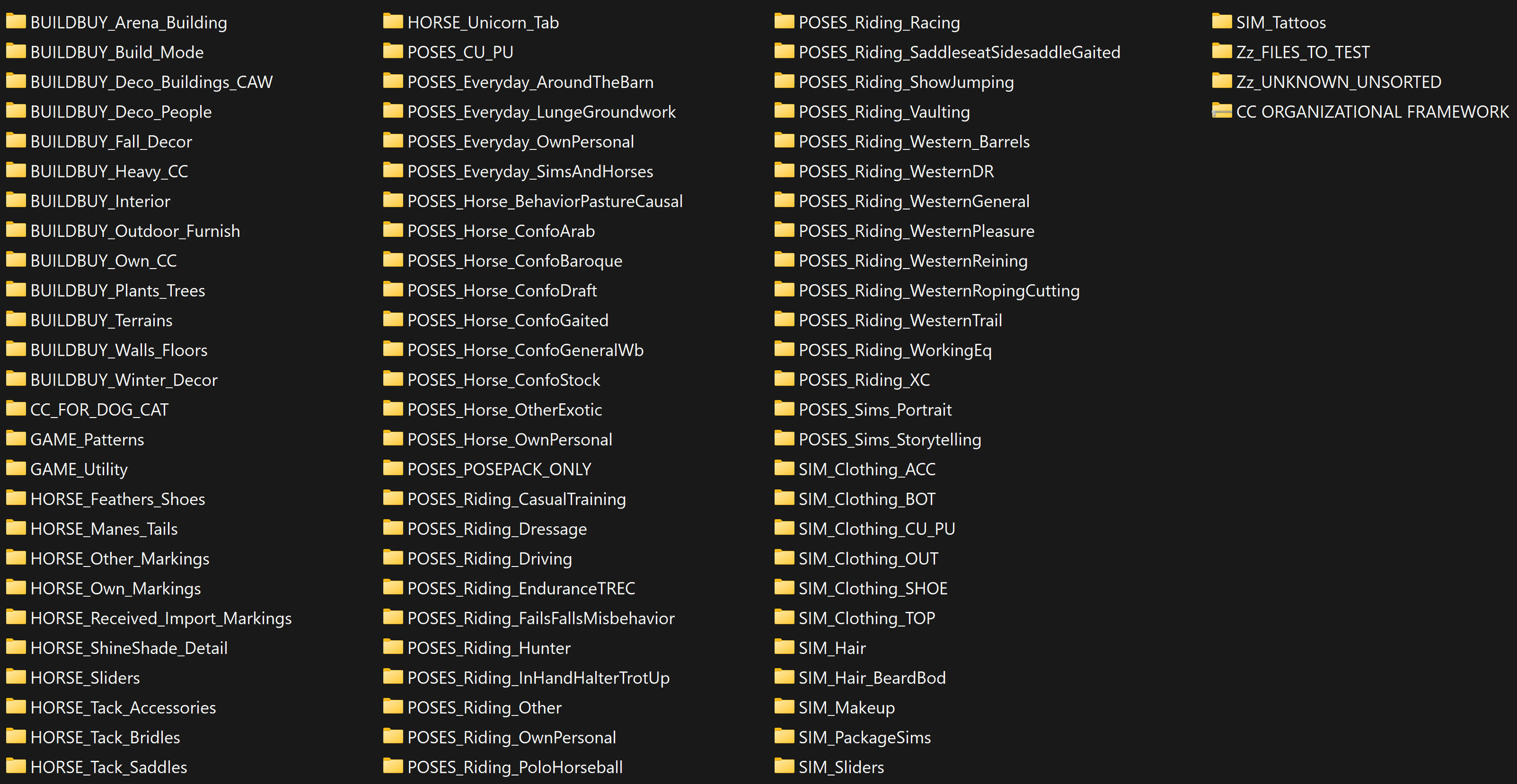
*Minus the CC ORG file at the end. That's just in there from creating the zip for this turotial. Whoops!Before you get excited: there is no CC in this rat's nest for you. This is your new home for all of your own stuff. Look it over, tweak what you want to suit your own needs or style better, delete what you know you won't need (if you're strictly a Dressage barn, do you really need the Racing folder?) — but don't start consolidating. At least not yet. You want there to be a LOT of folders. You want things that seem like they might as well go together to remain separated.Embrace the rat's nest.IMPORTANT: At this time, you'll also want to create a folder for your out-of-game packages somewhere within your system where you'll be able to find it and access it easily. I called mine Removed Files Processing Station and I keep it pinned in my file explorer.This is where all the CC you want to keep, but don't want in your game for your current session, will live from now on.
Most of these folder names should be straightforward, but let's go over the ones that might not be.CU/PU: Seen anywhere, refers to child and toddler CC. If you have many of them in many of your screenshots, you might not end up wanting to separate them. I still do because it makes taking adults- and teens- only photos much quicker.(If you don't end up separating your clothes or poses, at the very least please keep the hair separate. So many YA hairs out there come with a CU and/or PU version and if you're only going into your game to make an adult sim, you do not want to be loading a Hair folder essentially double the size of what you actually need.)BUILDBUY_Heavy_CC: Particularly large files or very-very high poly items that you want a safe storage spot for when you aren't using them. More separated than just putting them in their normal places, because sometimes, even if you do want a bunch of cars in your game today, you might not need the one with a larger file size than the whole rest of your Vehicles folder.OwnPersonal: Stuff you made! If you want to just throw it in your normal folders afterwards, that's fine. This is helpful for the creation/testing process, as well as for organizing if you are not a person who uses your own CC in every single build.GAME_Utility: Refers to anything for your game that is not a pose, item, or CASpart, but doesn't belong in Overrides.FILES_TO_TEST: When you download new CC and you're not entirely sure on how it will look in game or how you feel about it, use this folder to keep it isolated while you test it. For an ultra quick experience, download a bunch of CC and then only put this folder in your game. I can test and decide on 100+ files in minutes this way.UNKNOWN_UNSORTED: Stuff you just cannot parse the name of. I actually had to open a lot of packages in S3PE to determine what on G-d's green earth they could possibly mean. I had library files that I didn't know were lots instead of items because the names were fully in foreign languages. Tattoos-section tattoos, aka not accessory ones, are famously just named one word, and usually that word is something indecipherable like "Dream.package" or "7.package". I had something called HBDSUPREEEME.package that ended up being a Wall Art section painting(??)This is a good place to dump all you stuff while you're going through the initial sorting process, but once you get through the bulk of your CC, it becomes a very helpful tool for rounding up all the weird shit you need to take your time to figure out.SIM_HOUSE: We will get into this below. This is for items that you know for a fact you've only used in one specific build. I do this with my sims' houses, but feel free to make your own folders for any lot if you know this to be the case for them and don't want those items in your game all the time.A note on CASparts: These are organized by the category they're found in, not what they actually are. An accessory jacket or tattoo is still a Sim Accessory. A halter is still a Horse Bridle. This is to help you find broken or unwanted stuff later.The reason I do not organize build/buy items this way—I will put, for example, a range hood found in the Deco>Wall Art section in the Kitchen folder—is because these items have viewable names that you can identify them by in game, and CASparts do not.
On Sim Houses
or, "When am I really going to use this?"
Shopping for your sim’s house when your CC is unsorted can be very much like shopping for your real one.You find a cool single-use gadget that you really want…but how much are you really gonna use it? How much junk do you already have in your limited amount of space?You might really need something for one Thing, but then it’s just a nuisance to keep around the other 99% of the time.I get it. The vast majority of your builds are barns and arenas. Take a look at what I have in Gwynedd’s house right now. Do you have a sim who would positively love this stuff? Probably. But do you really want any of this clogging up your game while you’re just in it to take some dressage T-show pics?


If you’ve felt this way looking at pretty mermaid cakes and little anime figurines, beach bungalow buildsets and 33-item boho living collections complete with floral wallpapers, massive artist clutter dumps and yet another kitchen set, this might be your answer.By giving my sims with their own houses their own house folder as well, I’ve become as free as a bird to download as many frivolous little non-equestrian things as my heart desires (read: as my laptop storage will allow…but there are off-local drives for that.)The other benefit to this is the realism that it adds to my game. My sims don’t all have the same three beds and kitchens. They get to have their own style. Fiona can collect her manga and miniatures at the same time as all six of Helena’s sons can have equipment for six different sports lying around all over the house; Zen can have a fully modernist house while Aiana lives in a well-preserved Victorian dream home filled with antiques and miscellanea, all without my game taking an hour to open.
Now it’s time to start looking through your builds. If you make houses for your sims, start with that. Take screenshots if you’re worried about losing track of something.You should have your notepad open while you do this.Click through your objects to see what they’re called, paying especially close attention to stuff that you know (or strongly suspect) is only used in this build.Have you used it in another build? Are you going to use it again in a barn or arena lot? But are you really?I understand wanting to keep your Surface and Storage, and maybe Misc. Decor, options open in particular, but if you’ve already built those things and didn’t use them, what are you really keeping them in your game for?If six creators have made similar little console tables or shelving units, I think that you can decide on which ones are keepers in your game and which ones belong to certain sims/lots only.Note down the names of everything you determine to be a ‘this lot only’ item. When your game is closed, create a new folder in your Packages or Removed Packages folder and name it something memorable. AshHouse, MainBarnTackRoomVersion, etc. And now move—don’t copy—these items to their new home.“What if I end up removing something I used somewhere else?”So you’ve already sorted a few house and/or lot folders. You open one of your barns and some objects are replaced.Do NOT save; just quit. Put the house folders back in your game and reopen the barn that’s missing things. Identify the item(s), decide if you want to replace them or if you’re keeping them in your game all the time instead, and reorganize accordingly.Also remind yourself that this isn’t about removing every single object from your game; you can choose some objects to keep in the Packages>Interior>____ folders full time to reuse. It’s just about identifying what you don’t need to keep around. Moving what can be moved to individual lot folders will make your game happier with keeping the rest.
As a rule of thumb:
Isolate to Sim Folders:
Beds and bedding, kitchen and bathroom sets, very niche hobby/interest decor, non-generic wall art (real examples from my game include this, this, this, and this), themed decor you know you wouldn’t use in a barn, kids furniture, unique plants,The Keep-Arounds:
Mugs and kitchenware unless you want something to belong to someone specific (themed mugs, unique plate shapes, fine china, whatever), generic outdoor stuff like hoses and doorbells, utilities, windows and doors unless they’re very unique (example, example), deco riding gear and anything that would be found in feed/tack rooms, deco phones, TVs and computers (there just aren’t that many out there and it’s realistic for people to have the same kind), vehicles, walls and floors unless very unique, beams and columns unless very unique, generic plants,The Maybes:
•Deco Food
I leave things like grocery staples, common fruits, loose bread loaves, bottled drinks, fast food, packaged things that could be bought in cafes or carried as snacks, anything that horses eat like apples and carrots, etc. in my DecoFood folder all the time, however Zen’s expensive cheese wheels and Didi’s very ornate bowl of gourds are just for them.•Personal Care Items
I give unique-needs items (think textured hair care or protein powder tubs) and full branded sets to specific sims, and leave the generic stuff, cheaper brands, wide-appeal stuff like pads and toilet paper, medications, first aid, sunscreen/bug spray, and things that would appear outside the home (like lip balm and cigarettes) out in my PersonalCare folder all the time.•Deco Clothes
If it’s a dress, nice slacks, a very unique blouse, etc. on a hanger, it belongs to someone specific. Everyday street clothes on hangers are case-by-case. If it’s an item in a heap on the ground, I save it in my always options for decorating stalls and arenas.•Decor Tab Plants
If it’s something generic looking that you could put in a barn, decorate a jump with, fit into multiple houses, or one of your go-to favorites, leave it out. If it’s in a very unique pot or of a unique type, try giving it to someone. Jess got all my hedgehog pot plants (oddly I had 5 of these?). Her favorite animals are hedgehogs now. Will this ever be relevant in riding pics? No. Is it a cute piece of visual storytelling in her house that gets this shit out of my game while I’m building an XC course? Absolutely!
Take this as an opportunity to get creative and develop your characters, not to stress about what’s allowed to be where. Scrutinize your items and ask yourself not “what if I want to use this,” but what kind of person would have this?Do you have a ton of baking stuff that you never really use? Maybe someone is into baking. Do you have a lot of little stuffed animals in your game? Instead of giving one to everyone, maybe someone’s a collector.Personal anecdote: I realized while organizing that I have a lot of lemon CC. It’s a staple summer aesthetic fruit and KHD alone has like 3 expansive lemon sets. Lemons are not a food that everyone might just have lying around, and certainly won’t be found in a feed room.Now two of my sims are very big into baking with lemons and making their own lemonade. I gave them all my lemon content except for one cheap-looking lemonade pitcher I might use for summer camp. Now they have a little more fleshing out, and my Decor tabs aren’t crowded by lemon stuff I’m going to scroll past 100% of the time when I’m building barns. Win/win!
But maybe you don’t make houses for your sims.Do you want to? Maybe in the past, it wasn’t worth it because your game was too slow to open more than once or twice at a time, and you needed that time for EQ stuff.The freedom of shorter loading times and a more stable game might be your perfect window of opportunity to start.Are you pretty sure you’ll never want to? Then you’ll definitely benefit from weeding out the CC you’ve collected over the years that you know you’ll never use.You can store it out of your game for the off chance that you might get inspired to do something with it someday, or just round it up to delete. The choice is yours!
Alternative Systems:
If individual house folders just isn’t for you, consider other options for continuing to narrow your CC down into categories:•Stall/Everyday Decorating: Items that may be personal belongings of your sims’ that would not be your go-to clutter for tack and feed rooms. Think of what you might be putting outside an arena or horse’s stall for storytelling. Deco phones and chargers, food, bags, clothes, makeup and deodorant, keys, shopping bags/boxes, reusable bottles/tumblers, notebooks, etc. When you want to take clean barn shots for Facilities or only-arena shots without decorated bleachers visible, you can leave this stuff out of your game.•Show Venue Clutter: Stuff you know you’ll only use in BTS show pics. Menus and restaurant items, fancy outdoor tables and seating, tents and awnings you don’t use at your barn, awards podiums, club items, nice plants and bouquets, fancy glassware, shopping/retail items, outdoor facades, luggage and garment bags, unneeded nations flags, arena advertisement banding, etc.•Other Specific Scenario CC: Do you have a riding camp or kids events? Group up all your toys, little backpacks, playground stuff, kids yard sets, etc. Do you ride a lot on the beach in the summer but don’t have a coastal barn? Here’s a spot to keep all your palm trees, beach bags, CASpart swimsuits, shack decor, whatever. Maybe you like autumn vibe outdoorsy shots with your staff. Store your camp grilling, tents, hot cocoa, ground pillows, bonfire, string lighting, camp food, etc together for easy access.•Non-House Specific Lots: Perfect for tack shops, restaurants and cafes, utility lots not often shown in your riding pics, vet clinics, dog kennels, personal show lots/worlds, rider lounges, clubhouses, pools, discipline-specific stuff for multiple facilities with different discipline focuses, parking lots, etc.
Step 2: Renaming
Did you know that having blanks (spaces), numbers, or special characters in your .package file names can drastically lengthen your loading times? I didn't!I say 'can' because you'll find vastly different perspectives on this. My experience is that it does actually make a huge difference in my game. Like, huge huge. I can open my game with all my CASpart CC in it with about 40 seconds between clicking the launcher play button and seeing the big Maxis intro splash now.That isn't going to be everyone's experience—but there is another reason for doing this: item identification. Remember those random ass numbered tattoo names? If I just opened the item in s3pe, decided I liked it, and kept it, I would probably once again have no idea what it was in my folder the next time I looked at it.Should one of your packages break, should you want to move or delete something later on, should you need to redownload something for any reason, or even just to be a decent human and try to answer a WCIF call, properly named packages go a long way.
First, for spaces and special characters, meet your new best friend: the Bulk Rename Utility. This can automatically remove, or replace with your choosing, literally whatever words or characters you want. Do this carefully, and redo it periodically if you're still downloading new stuff quite often (you can look back and notice that even I haven't done this with my newer stuff yet.)Make sure that only your Packages folder(s) are selected. Do NOT rename poses. One click and it's all done!
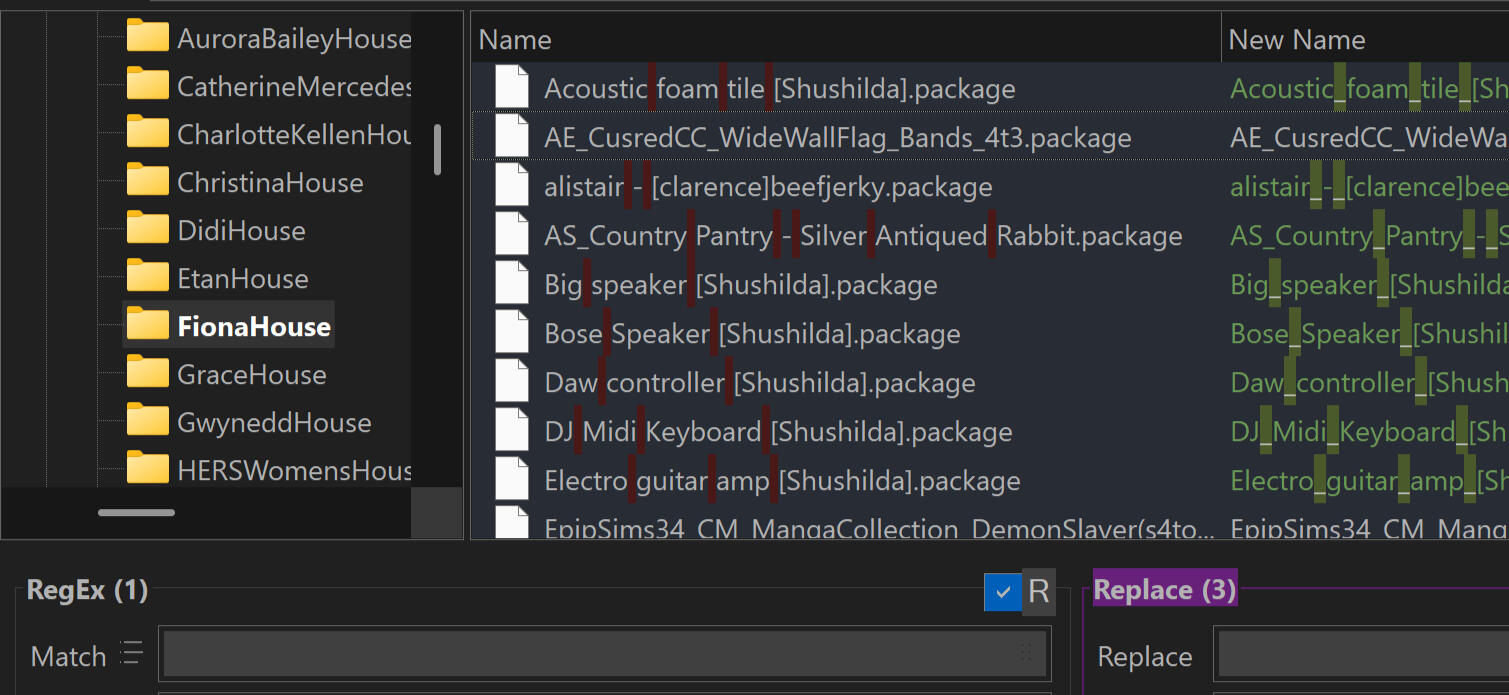
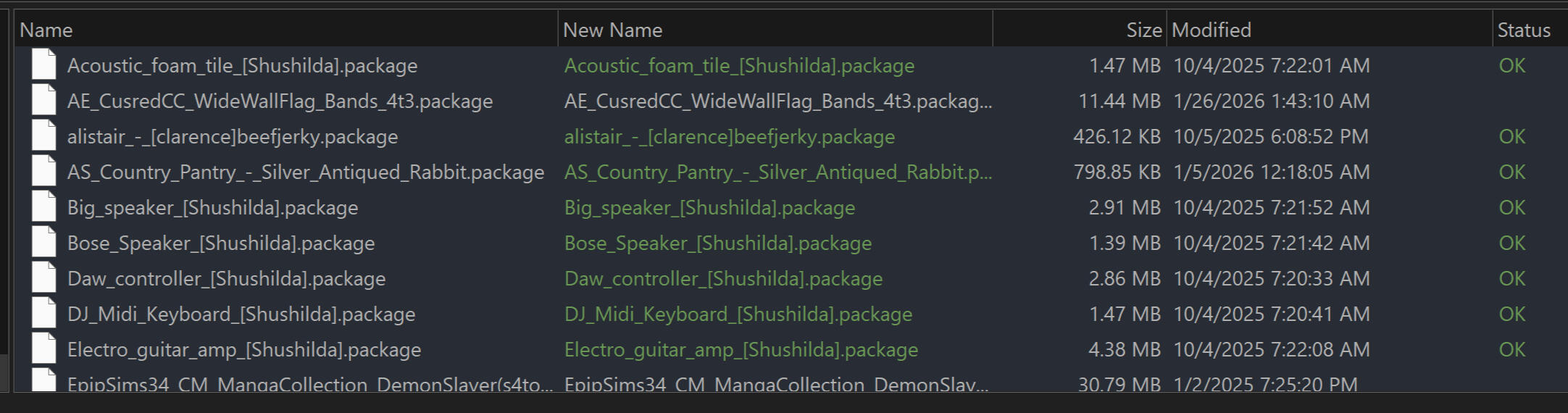
On to manual renames:You can do this any way you want. It’s just for you, so don’t think you need to waste a ton of time typing out some elaborate naming system if that’s not what you want.For my sim sliders, I did do it meticulously: creator_slider, every single one. This really helped me to see that I had a TON of duplicates. I’ve downloaded a lot of people’s sim slider folders and they were already renamed so my system didn’t flag them.Rule of thumb: if they have the exact same file size and say they do more or less the same thing, it’s a dupe.


I got lazier for objects. If it’s a foreign language name, I just name it Creator_WhatItIs. If it was an extremely generic name like Table2 or New Column, I tried to figure out the creator, but if not I just looked at the descriptions in s3oc & OBJ line in s3pe and tried to come up with something unique to distinguish it. My object folders aren’t especially neat but they get the job done. That’s all you really need, whatever provides that for you.
Step 3: Downsizing
It's finally time to start ditching all that low-quality, replaced-by-something-better, or just unnecessary stuff you keep scrolling past in buy mode. So...what stays and what goes?Pick a day to set aside your simming session just to do this if you can. It’s tedious, and the best way to do it does involve opening and closing your game a bunch.Start with your sims3pack CC. Move all your Packages folders to the Removed Files Processing Station. This will make your game load much faster, and your build/buy categories, and leave no question as to what’s installed by which file type.Open a new page on whatever you use for word processing (or I just use my laptop’s Notepad app for this) and open a blank lot in your game. Carefully go through every single build and buy category and look at every item—yes, every one. If you don’t like the quality or look of it, or you just know you’ll never ever use it, note down the name in your notepad. If you have ever had a history of installing entire TSR sets, there’s going to be a lot of this.Start setting aside just a few minutes a day to click through your launcher's Installed Content>Objects tab to look for these items. Pick random sections down the list each time to make it more interesting. If you have a tremendous amount of sims3pack CC like I do, it won't show every item at once; you're going to have to click through the same portions more than once. Don't scroll with your scroll wheel, because it skips more than one group of four rows at a time; click the down arrow. Your launcher may crash when you get to a certain point. That's okay.To uninstall content as quickly as possible, work in batches of up to 15 items at a time and make sure your packages are removed from your game before you hit Uninstall (it loads the Uninstall window like it does your whole game, so you'll be waiting as long as it takes to open your game with all your package CC otherwise.)You'll also want to do this with your Package folders. If you've already started organizing with the Organizational Framework you can do this quickly by just opening your game with one folder at a time. If not, you may want to do this like 50/50ins your CC and just dump random batches in your game bit by bit.You can note these items down in the notepad too, or just keep your Packages folder(s) open in your file explorer while your game is open and check off the items you want to delete. Just make sure you don't actually click delete until your game is exited again, or it might glitch out or crash.Like the entire organizational process, you will not be done with this all in one day, or even one week. Make it a part of your simming habit to just chip away at it a little bit at a time. I'm still working through my sims3pack Uninstall List months after starting.
Slow and steady wins the race!


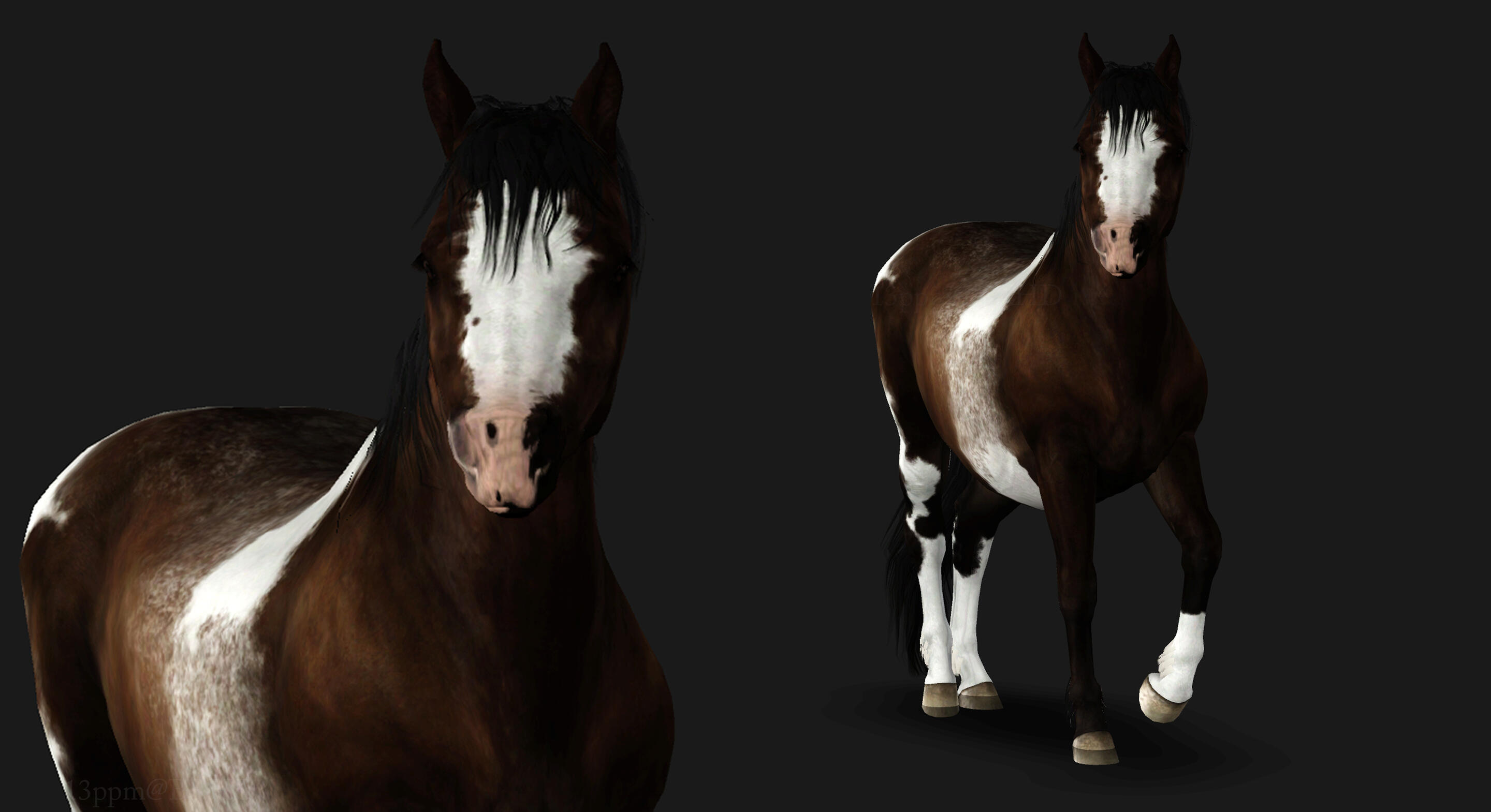
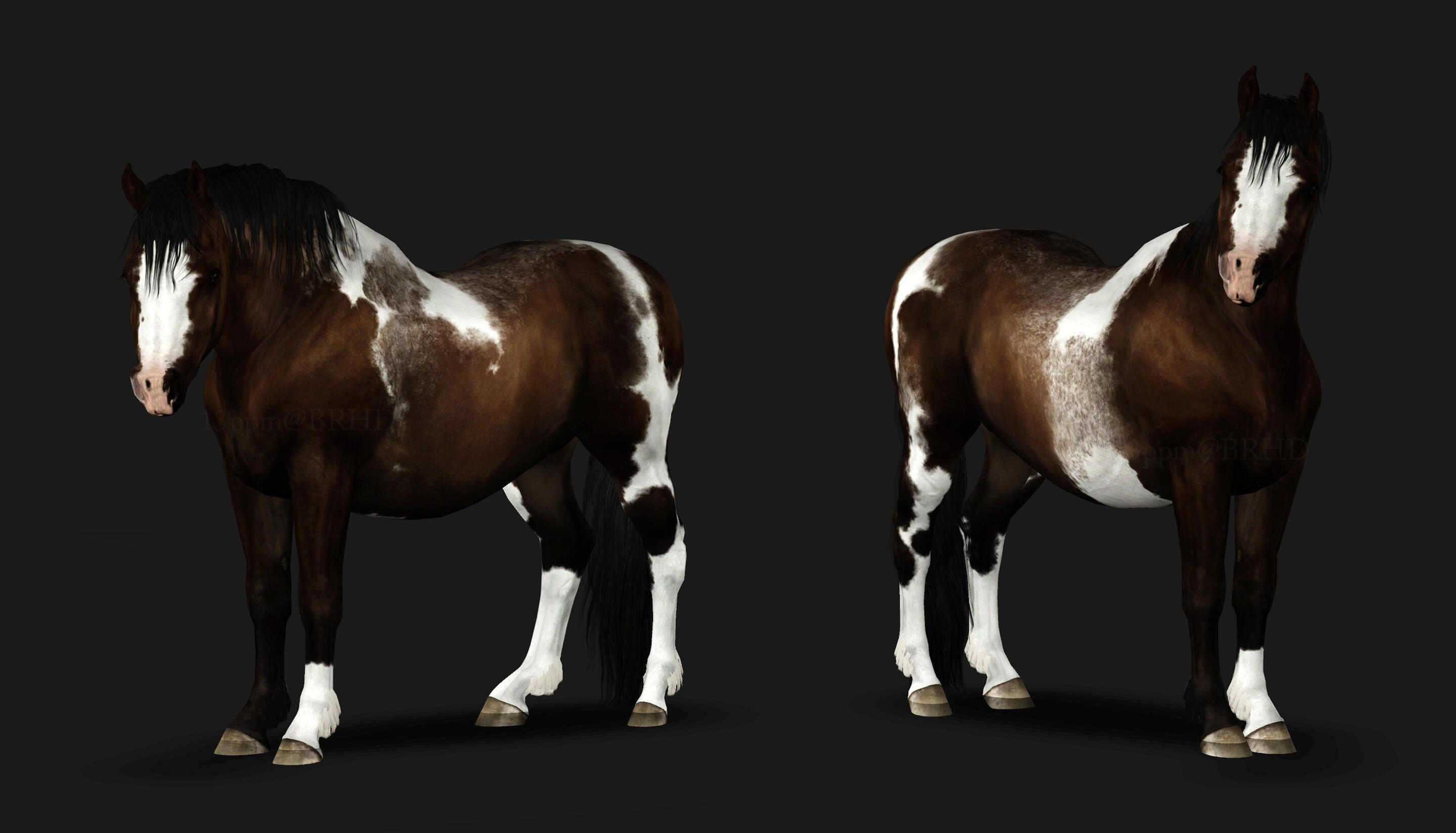
Managing a barn is stressful. Showing is stressful. Holidays are stressful. If your barn can use a little pick-me-up this holiday season (or any time!), you can now host BRHD Ma’oz Tzur for a visit!In his heyday, Pebbles was a program favorite and a show ring superstar. His soft demeanor and total non-reactivity to the scariest sounds and startles made him a perfect candidate for hippotherapy work once his riding career was over. But we didn’t just want to keep him all to ourselves; Pebbles is special, and we knew that he would thrive as a traveling companion.Pebbles is now always at the ready to trailer up and visit a barn in need. Staff looking for a break from stress, show teams in need of a tension reliever, communities mourning the loss of a two- or four-legged friend, and students with health or social challenges alike can all benefit from a Pebbles visit!
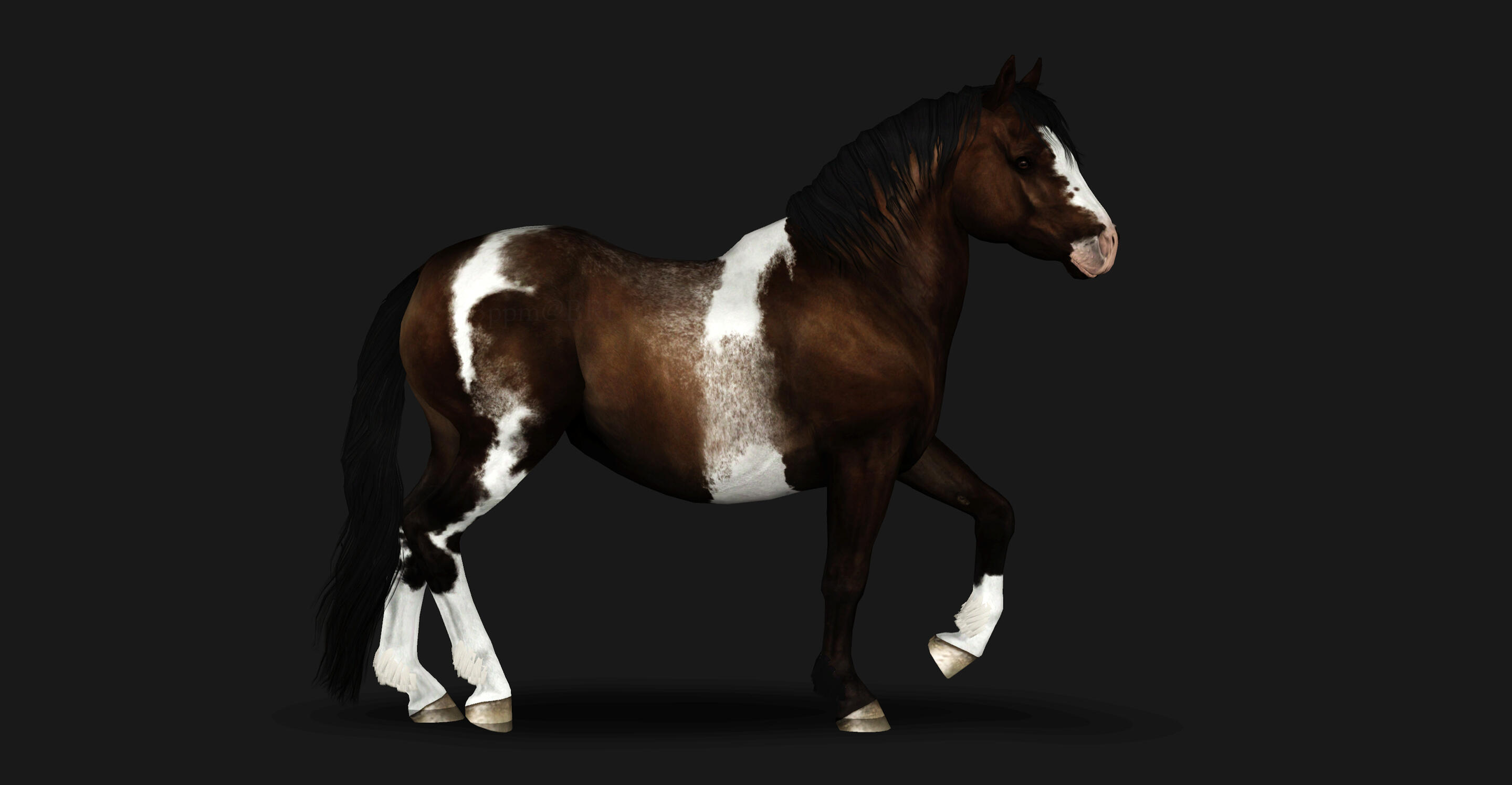
Terms of Use
You do not need to ask to borrow Pebbles. He’s always available with no need for reservations or permission.(However, if you aren’t sure that something you want to do with him is allowed, please do ask!)You may borrow him for the following:
•Scrapbook or Pictures thread images: to meet with your staff/students for therapy visits, horsemanship demonstrations, spirit events, holidays, etc.•Behind-the-scenes pics for shows, as a traveling companion for your horses or riders only•Misc. events only, and only IF the organizer allows horses to appear more than once. (Owner should be listed as the Barrhead School.) I will ask in the chatter thread if this is allowed when I see new events open up. If horses can only appear once, then no one may use him, to keep things simple and fair for everyone.
You may:•Clip him
•Paint him and glitter his hooves
•Plait him, gel his mane up, dye it, anything non-permanent!
•Change his shine/shading (only)
•Dress him up
•Bathe him
•Take him out on the town
•Take him to T shows as a companion for your riders/horses only
•Let him meet your herd
•Display in-game photo retextures of him in your barn, even after he leaves
•Feature him in collabs with other members for any of the above
You may not borrow him for:
•Riding lessons
•Show entries, as the horse being ridden/handled or representing your barn
•Use as your sim’s or program’s personal horse or pet
•Extended or permanent residency at your facilityYou may NOT:
•Change his name or prefix
•Change his coat
•Change his confo
•Change his markings
•Change his age
•Change his personality
•Register him in clubs or other communities
•Use his coat, marking, template for your own horses or horses made for others
To reiterate: you may NOT use his coat, conformation, or marking for your own horses, even as a base or template. Don’t just edit his marking file and think it becomes yours to use. Don't crop areas off of it for yourself. I and several friends will be keeping an eye out in multiple communities for him. Just don’t try it.If these TOU are broken, he will be made available for all to do the same with him. You use any part of him for your own horse; it all becomes public, listed on my site and in all communities. Register him with a club or off-server community and I will be in contact with the owners.This is meant to be a fun, special little thing to spread some joy around the server—please don’t ruin it for everyone.
Basic Info:
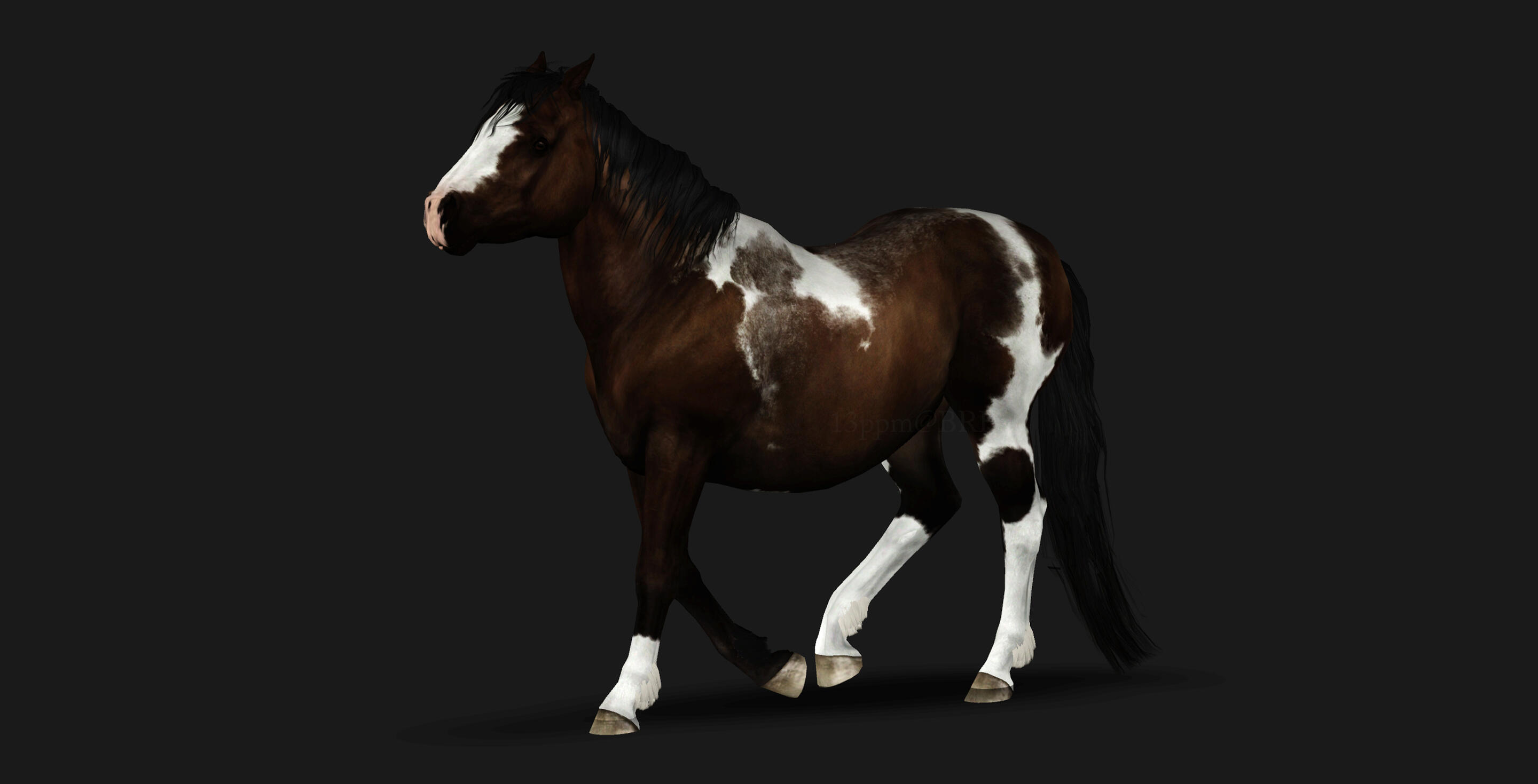
BRHD Ma'oz Tzur
"Pebbles"
15YO 9.2hh EE/Aa N/T Shetland Pony gelding
6K (6144) marking
No slider multiplier; only public markings apart from white.
Known Issues:
1. His hooves sink into the ground, and I have no idea if it's because I maxed out his (-)leg length and (+)hoof size sliders, or if it's just something wrong with my game. I can't make the slider multiplier work, so this is as good as it's gonna get, unfortunately.2. He levitates pretty damn high above the ground with some poses, which again, I'm just attributing to size and leg length sliders.3. I really didn’t have time to finish the edge his belly spot along the bottom seam. Maybe just don’t show that angle lol.
Curious to know where Pebbles has been? Follow his adventures on Pebbles’ Gallery!(Other members’ images will only be uploaded with the creator’s express permission, and credit.)